

 SkillClick
CS 1.6 Download Non Steam with Bots: Full Installation and Setup Guide
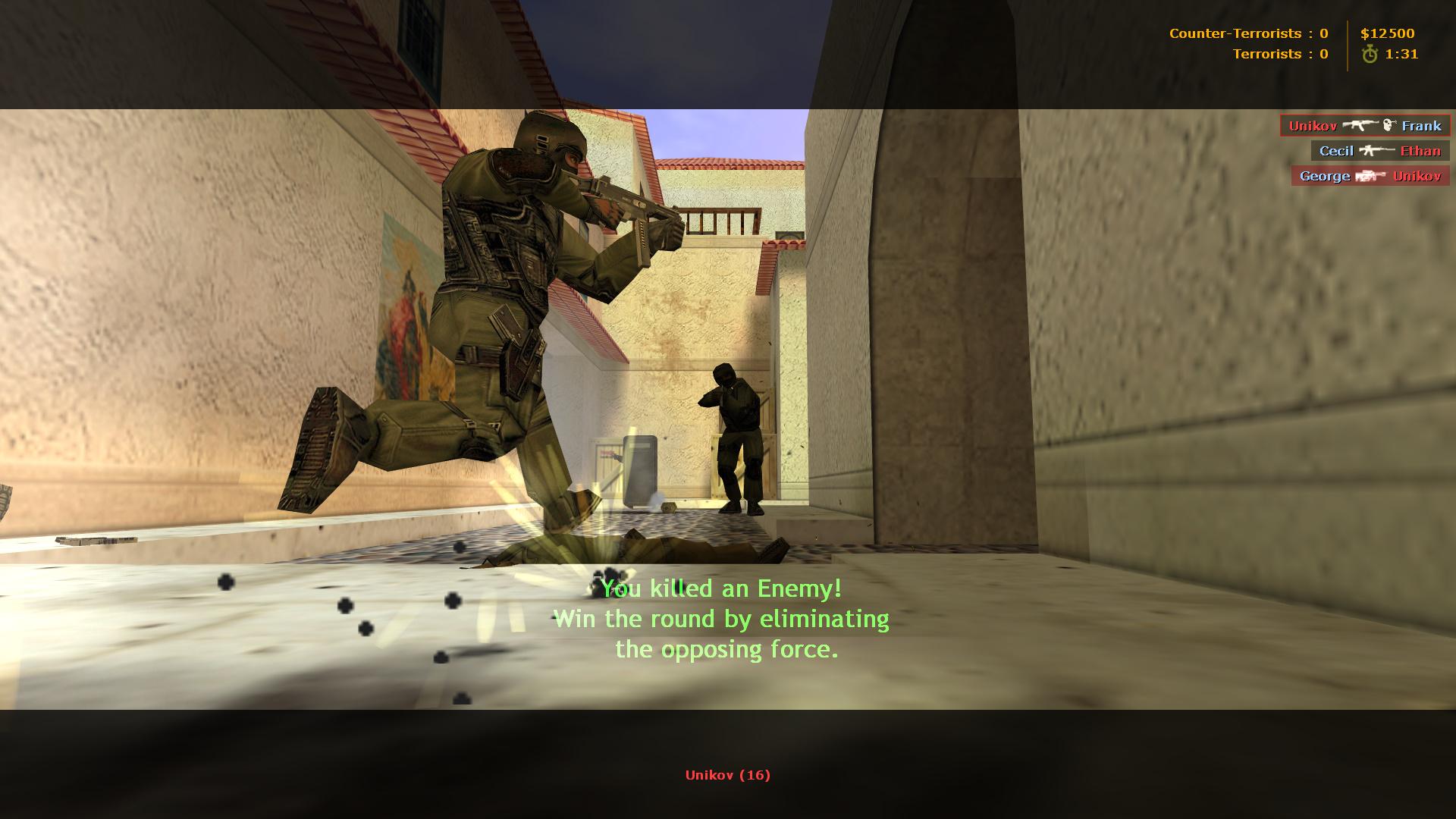
Getting Counter-Strike 1.6 running on a modern Windows machine without touching Steam is simpler than most people expect. The real trick isn't the installation itself—it's making sure the bots actually work once you're in. A lot of the old "non-Steam" packages floating around are just bare clients with no bot support at all, which leaves you staring at an empty map with no one to shoot.
If you want a version that comes with bots already integrated, the practical route is a repack that bundles the bot module directly into the game files. You can grab one here: cs 1.6 download non steam with bots. The advantage is that you skip the usual scavenger hunt for a separate bot patch, which often comes from sketchy mirrors or requires manual file replacement inside the cstrike folder. With a pre-configured build, the bot menu is already wired into the game.
Adding and Managing Bots Once You're In
After launching the game, create a new server and pick a map. The default bot keys depend on the build, but most packaged versions respond to a few standard inputs. Pressing H usually opens the bot management menu, where you can add Terrorists, Counter-Terrorists, or fill the server in one go. If the menu doesn't appear, the console is your fallback: hit ~ and type bot_add for a random bot, or bot_add_t and bot_add_ct to specify sides.
Bot difficulty is controlled through bot_difficulty with a range of 0 to 3. Level 0 bots are sluggish and miss often; level 3 bots react fast and land shots that will punish careless peeking. For practice purposes, level 2 is usually the sweet spot—they're competitive without feeling like they're reading your inputs.
Fixing the Common Headaches
Two issues tend to come up on newer systems. First, if the game launches but the screen is stretched or refuses to scale properly, go into the video options and switch the display mode to OpenGL. The software renderer often causes visual glitches on Windows 10 and 11. Second, if mouse movement feels floaty, add -noforcemaccel -noforcemparms to the shortcut's launch parameters; this strips out the raw input adjustments that modern Windows applies by default.
One more thing worth knowing: some repacks include a bot menu that lets you disable the Counter-Terrorist shield. If the bots keep buying shields and turning every round into a slow slog, look for bot_allow_shield in the console and set it to 0. It's a small tweak, but it makes offline matches flow much better.
- Managerial Effectiveness!
- Future and Predictions
- Motivatinal / Inspiring
- Fitness and Wellness
- Medical & Health
- Manufacturing
- Educação
- Real-Estate
- Food Industry
- Hospitality
- Online Games
- Sports
- Home Services
- Civil Engineering
- Safety and Protection
- Software Products & Services
- Fashion and Jewellery
- Artificial Intelligence
- Entrepreneurship
- Mentoring & Guidance
- Marketing
- Networking
- HR & Recruiting
- Literature
- Shopping
- Career Management & Advancement