

 SkillClick
Why Is My iPhone Flashlight Not Working? Common Causes and Fixes
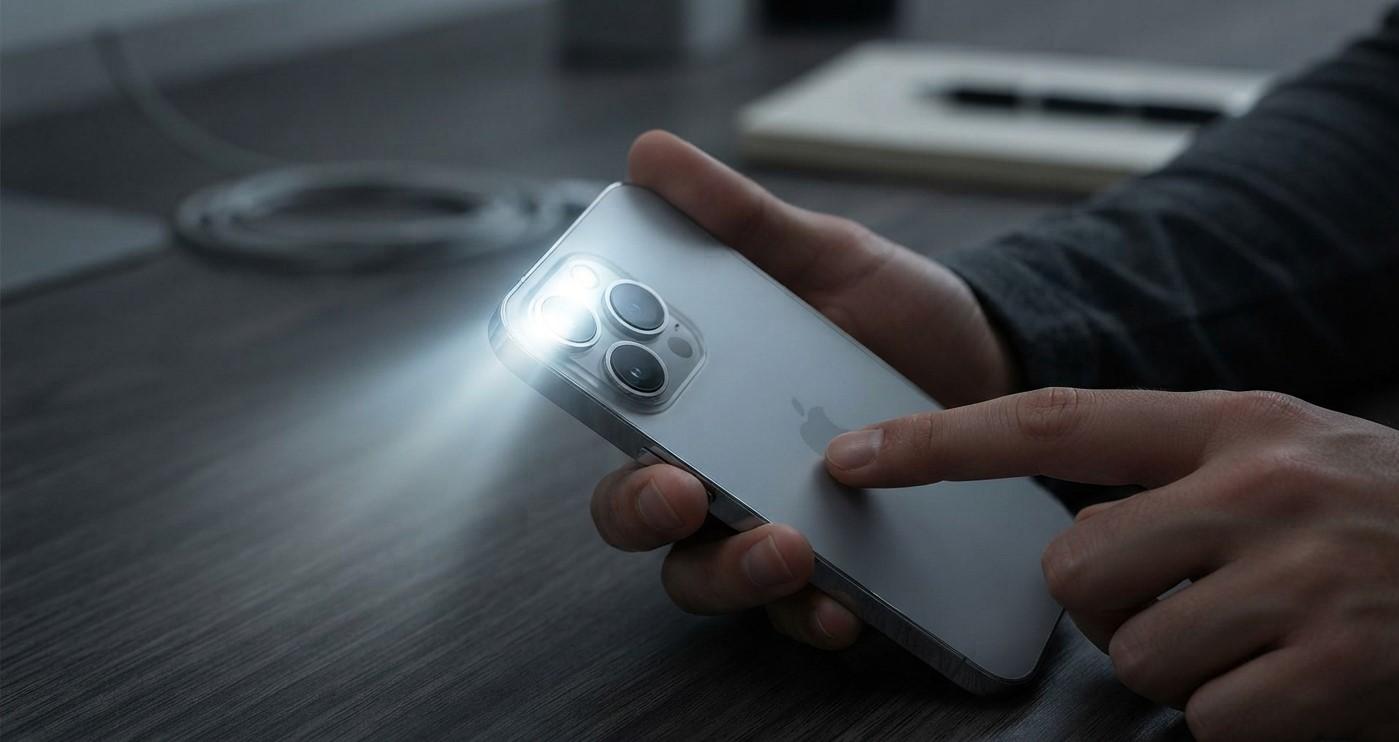
Your iPhone flashlight is one of those features you may not think about until you suddenly need it. Whether you are trying to find something in a dark room, unlock a door at night, or use the flashlight during an emergency, a malfunctioning light can be frustrating. Fortunately, a flashlight that isn't working does not always mean your iPhone has a serious hardware problem.
At Avenue D Cellular, we understand how frustrating small iPhone problems can become when they affect everyday use. If you are searching for cell phone repair brooklyn ny because your flashlight has stopped working or need iphone repair brooklyn for a device with a camera or flash problem, there are several troubleshooting steps you can try first.
This guide explains the most common reasons an iPhone flashlight may stop working and what you can do to fix the problem.
Table of Contents
- How Does the iPhone Flashlight Work?
- Why Is My iPhone Flashlight Not Working?
- Check the Flashlight in Control Center
- Check the Flashlight Brightness
- Remove Your iPhone Case and Accessories
- Check If the iPhone Is Too Hot
- Close the Camera App and Other Apps
- Restart Your iPhone
- Update iOS
- Check the Camera Flash
- Could a Hardware Problem Cause the Flashlight to Stop Working?
- When Should You Get Professional iPhone Repair?
- How to Prevent Future Flashlight Problems
- Frequently Asked Questions
- CTA
How Does the iPhone Flashlight Work?
The iPhone flashlight uses the LED flash located near the rear camera. Apple explains that the LED flash also functions as the flashlight, allowing you to turn it on through Control Center, the Lock Screen, Siri, and, on supported models, the Action button.
Because the flashlight and camera flash use the same LED hardware, testing both functions can provide useful information when troubleshooting.
If the flashlight doesn't turn on, the cause could be software-related, an accessory interfering with the camera area, excessive temperature, or a hardware problem.
Why Is My iPhone Flashlight Not Working?
There are several possible reasons your iPhone flashlight may not turn on.
Common causes include:
- A temporary software glitch
- The Camera app currently using the flash
- An iPhone that is too hot or too cold
- A case or accessory interfering with the flash
- An outdated version of iOS
- A problem with the LED flash
- Damage from a drop
- Liquid exposure
- Internal hardware failure
Before assuming that the LED itself is damaged, it is worth going through some simple troubleshooting steps.
Check the Flashlight in Control Center
The first thing to check is whether the flashlight works through Control Center.
On iPhones with Face ID, swipe down from the upper-right corner of the screen to open Control Center. On iPhones with a Home button, swipe up from the bottom edge.
Then tap the Flashlight button.
Apple also explains that you can press and hold the Flashlight button to adjust its brightness on supported devices.
If the flashlight turns on, the LED itself may be functioning normally and the problem could have been caused by how you were trying to activate it.
What If the Flashlight Button Is Missing?
If you cannot find the flashlight control in Control Center, you may be able to add it through your Control Center settings.
On current versions of iOS, Control Center can be customized so frequently used controls are easier to access.
Check the Flashlight Brightness
Your iPhone flashlight has adjustable brightness.
If the light appears extremely dim rather than completely off, press and hold the Flashlight button in Control Center and check the brightness slider.
Move the slider upward and test the flashlight again.
A low brightness setting can sometimes make it appear as though the flashlight isn't working properly.
Remove Your iPhone Case and Accessories
Some cases and accessories can interfere with the camera or flash area.
Remove your:
- Phone case
- Camera lens cover
- Magnetic mount
- Camera accessory
- Metal camera attachment
- Other accessory positioned near the rear camera
Apple specifically recommends removing cases, films, and accessories that may block the camera or flash or place a magnet near the camera.
Strong magnetic accessories can also interfere with certain camera components on supported iPhone models.
After removing the accessory, try the flashlight again.
Check If the iPhone Is Too Hot
Temperature can affect how your iPhone operates.
If the device becomes extremely warm, some functions may temporarily behave differently while the phone manages its temperature.
If your iPhone feels unusually hot, stop demanding activities such as gaming, video recording, or intensive apps and allow the device to cool down naturally.
Do not place a hot iPhone in a freezer or use extreme cooling methods. Instead, move it away from direct sunlight and other heat sources and allow it to return to a normal temperature.
Once the phone has cooled, test the flashlight again.
Close the Camera App and Other Apps
Because the LED flash is also used by the Camera app, it can be useful to close the Camera app if it appears to be stuck.
Try this:
- Close the Camera app.
- Return to the Home Screen.
- Open Control Center.
- Tap the Flashlight button.
- Test the light.
You can also close other apps that may use the camera or flash, such as video, scanning, or social media applications.
If the flashlight works after closing the Camera app, a temporary software conflict may have been responsible.
Restart Your iPhone
Restarting your iPhone is one of the simplest ways to troubleshoot a temporary software problem.
A restart can clear temporary system processes and may restore functions that have stopped responding correctly.
Apple includes restarting the iPhone among its recommended steps when troubleshooting camera and flash problems.
After restarting:
- Open Control Center.
- Tap the Flashlight button.
- Check whether the LED turns on.
- Open the Camera app and test the camera flash as well.
If both functions work again, the problem may have been temporary.
Update iOS
If the flashlight continues to malfunction, check whether an iOS update is available.
Go to:
Settings → General → Software Update
If an update is available, follow the on-screen instructions to install it.
Apple recommends updating iOS when troubleshooting camera or flash problems.
After the update is complete, test the flashlight again.
Keeping your iPhone updated can also help ensure that you have the latest bug fixes and system improvements.
Check the Camera Flash
Testing the camera flash can help determine whether the problem is limited to the flashlight control or involves the LED itself.
Open the Camera app and try taking a photo in a situation where flash is appropriate. You can also manually adjust the flash setting when supported.
Apple recommends testing the LED flash separately through Control Center when troubleshooting camera and flash problems.
What Do the Results Mean?
Flashlight works, but camera flash doesn't:
The issue may involve camera settings, the Camera app, or another software problem.
Camera flash works, but flashlight doesn't:
The problem may be related to software or the flashlight control.
Neither works:
A broader software or hardware problem may be involved.
These tests do not provide a definitive diagnosis, but they can help narrow down the issue.
Could a Hardware Problem Cause the Flashlight to Stop Working?
Yes.
If you have tried the basic troubleshooting steps and the flashlight still won't turn on, hardware may be involved.
Possible hardware-related causes include:
- Damaged LED flash
- Camera module damage
- Internal connector problems
- Damage caused by a drop
- Liquid exposure
- Previous repair damage
- Internal component failure
A physical impact can sometimes damage components around the rear camera and flash.
Liquid exposure can also cause internal corrosion or component failure, even if the phone initially appears to work normally.
If the flashlight stopped working immediately after your iPhone was dropped or exposed to liquid, professional inspection is especially important.
Signs Your iPhone May Need Professional Repair
Consider professional inspection if you notice one or more of the following:
- The flashlight never turns on.
- The camera flash also doesn't work.
- The problem began after a drop.
- The problem started after liquid exposure.
- The camera is also malfunctioning.
- The iPhone becomes unusually hot.
- The flashlight works intermittently.
- Restarting doesn't help.
- Updating iOS doesn't solve the problem.
- The problem began after another repair.
Apple recommends getting service if the camera or flash continues to malfunction after basic troubleshooting.
If you need cell phone repair brooklyn ny, a professional technician can inspect the camera and flash system and determine whether the issue is software-related or requires hardware repair.
Can a Damaged Camera Affect the Flashlight?
It can.
The rear camera and LED flash are located close together and can be involved in related functions. If your iPhone was recently dropped and you notice both camera and flashlight problems, that can be an important clue that the device needs hardware inspection.
For example, if your camera displays a black screen and the flashlight also fails, the issue may be more significant than a simple Control Center problem.
A professional diagnostic check can help determine which component is responsible.
How to Prevent Future Flashlight Problems
Although hardware failures cannot always be prevented, a few habits can help protect your iPhone.
Use a Protective Case
A quality case can reduce the risk of damage from everyday drops and impacts.
Avoid Extreme Temperatures
Keep your iPhone away from excessive heat and other extreme environmental conditions.
Be Careful With Magnetic Accessories
If you use a magnetic car mount or camera accessory, make sure it is designed to work safely with your iPhone.
Apple notes that some strong magnetic accessories can interfere with camera sensors and components.
Keep the Camera Area Clean
Dirt and debris around the camera and flash area can affect camera performance. Use a soft microfiber cloth to clean the exterior when necessary.
Don't Ignore Physical Damage
If the flashlight stops working after an impact, don't repeatedly test the phone if you also notice other unusual behavior. Getting the device checked early can help identify potential internal damage.
Frequently Asked Questions
Why won't my iPhone flashlight turn on?
A temporary software problem, excessive temperature, accessory interference, outdated software, or hardware damage can cause the flashlight to stop working. Start by restarting the iPhone and testing the flashlight through Control Center.
Can restarting my iPhone fix the flashlight?
Yes. If the problem is caused by a temporary software glitch, restarting the device may restore normal flashlight operation. Apple recommends restarting when troubleshooting camera and flash problems.
Why is my iPhone flashlight greyed out?
A temporarily unavailable flashlight can sometimes be related to temperature or another system condition. If your iPhone is unusually hot, allow it to cool before testing again.
Can a phone case stop the iPhone flashlight from working?
Certain cases or accessories can interfere with the flash area. Remove the case and accessories and test the flashlight again. Apple recommends removing accessories that could block or interfere with the camera or flash.
Why does my iPhone camera flash not work either?
If both the flashlight and camera flash fail, there may be a broader software or hardware problem. Restart the phone, update iOS, and test again. If the problem continues, professional service may be necessary.
Can dropping an iPhone damage the flashlight?
Yes. A significant drop can potentially damage the LED flash, camera assembly, connectors, or other internal components.
Does updating iOS fix flashlight problems?
It can if the issue is caused by a software bug or system problem. Apple recommends updating iOS as part of troubleshooting camera and flash issues.
Should I replace my iPhone if the flashlight stops working?
Not necessarily. A malfunctioning flashlight does not automatically mean the entire iPhone needs replacement. A professional diagnosis can determine whether the issue can be repaired.
Get Professional Help for an iPhone Flashlight Problem
A flashlight that isn't working can be caused by something simple, such as an accessory, temporary software issue, or incorrect brightness setting. Before seeking repair, try checking Control Center, removing accessories, closing the Camera app, restarting your iPhone, and updating iOS.
If the flashlight and camera flash continue to malfunction, especially after a drop or liquid exposure, the problem may require professional inspection.
At Avenue D Cellular, customers searching for cell phone repair brooklyn ny can get assistance with iPhone flashlight, camera, charging, battery, and other hardware problems. If you're looking for iphone repair brooklyn, getting the device properly diagnosed can help identify the actual cause before unnecessary parts are replaced.
Don't let a faulty flashlight become a bigger inconvenience. Get your iPhone checked by a professional and find the right solution for your device.
Need help with an iPhone flashlight or camera problem? Contact Avenue D Cellular today for professional iPhone repair assistance.
- Managerial Effectiveness!
- Future and Predictions
- Motivatinal / Inspiring
- Fitness and Wellness
- Medical & Health
- Manufacturing
- Education
- Real-Estate
- Food Industry
- Hospitality
- Online Games
- Sports
- Home Services
- Civil Engineering
- Safety and Protection
- Software Products & Services
- Fashion and Jewellery
- Artificial Intelligence
- Entrepreneurship
- Mentoring & Guidance
- Marketing
- Networking
- HR & Recruiting
- Literature
- Shopping
- Career Management & Advancement