

 SkillClick
How to Prevent Smartphone Charging From Slowing Down Over Time
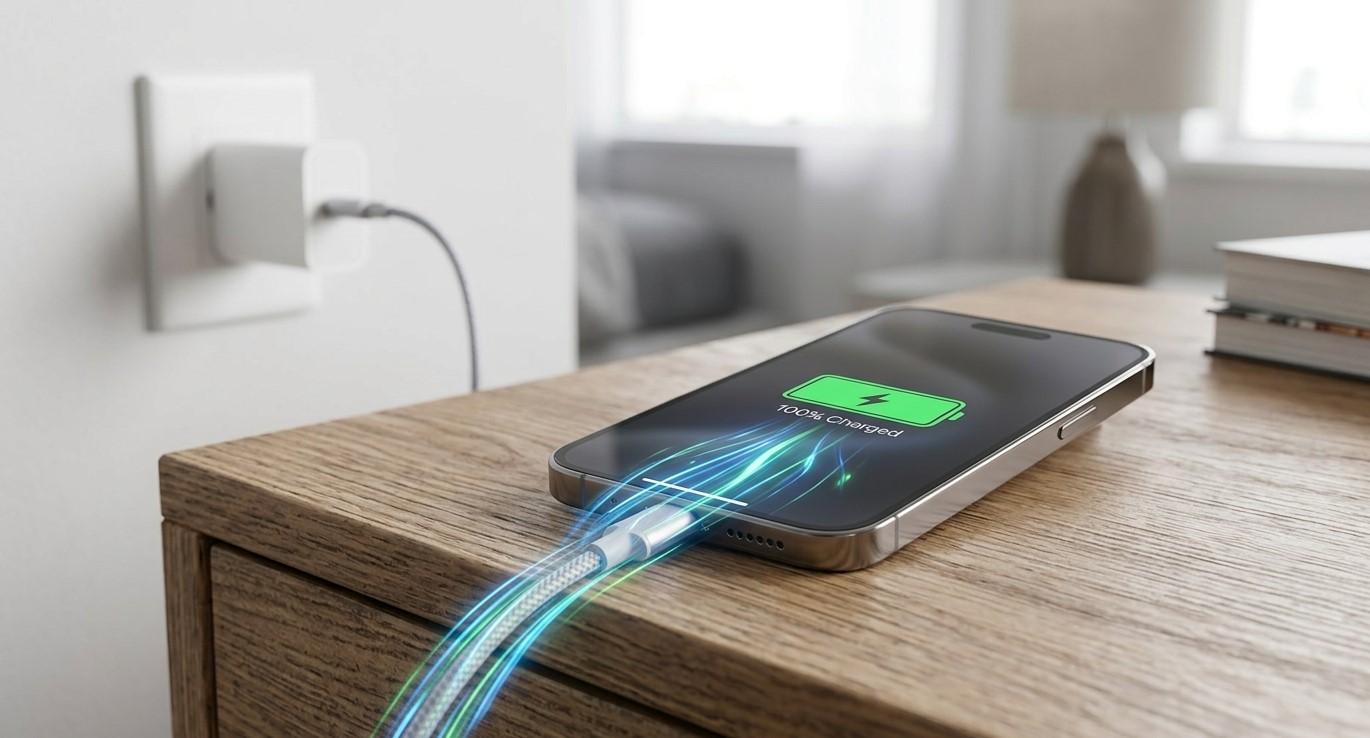
A smartphone that once charged quickly but now takes much longer can become frustrating, especially when you rely on your device throughout the day. Slow charging can happen for several reasons, including an aging battery, damaged charging accessories, debris in the charging port, excessive heat, software issues, or problems with the charging system.
Whether you use an iPhone, Samsung, or another smartphone, taking proper care of your device can help maintain reliable charging performance. NanoTech provides professional smartphone repair services for users who need assistance with charging and other device problems. If you are searching for phone repair regina sk, understanding the causes of slow charging can help you identify problems early and take appropriate action.
Table of Contents
- What Causes Smartphone Charging to Slow Down?
- Use the Correct Charger and Cable
- Keep Your Charging Port Clean
- Avoid Charging in Extreme Temperatures
- Avoid Heavy Phone Usage While Charging
- Keep Your Smartphone Software Updated
- Monitor Battery Health
- Avoid Completely Draining the Battery Frequently
- Check for Damaged Charging Accessories
- Restart Your Smartphone When Charging Problems Occur
- When Slow Charging May Indicate a Hardware Problem
- When to Seek Professional Phone Repair
- FAQs
- Final Thoughts and CTA
What Causes Smartphone Charging to Slow Down?
Smartphone charging speed depends on several components working together. The charger, cable, charging port, battery, software, and internal charging circuitry all play important roles.
Some common causes of slower charging include:
- Worn-out or damaged charging cables.
- Incompatible chargers.
- Dust or debris inside the charging port.
- Battery aging.
- Excessive device temperature.
- Background applications consuming power.
- Software-related charging restrictions.
- Physical damage to the charging port.
- Internal charging circuit problems.
Occasional slow charging may not indicate a serious issue. However, if charging consistently becomes slower or the phone struggles to charge even with reliable accessories, further inspection may be necessary.
Use the Correct Charger and Cable
One of the simplest ways to maintain charging performance is to use a compatible charger and cable.
Different smartphones support different charging technologies and power levels. Using an appropriate charger helps your device receive the power it is designed to handle.
A damaged or low-quality cable can also interfere with charging performance. Look for signs such as:
- Fraying.
- Bent connectors.
- Loose connections.
- Intermittent charging.
- Excessive heat around the connector.
If your phone charges normally with one cable but slowly with another, the accessory may be contributing to the problem.
Keep Your Charging Port Clean
Your smartphone's charging port is exposed to dust, lint, and other debris every day. Accumulated material can prevent the charging cable from making proper contact with the port.
A poor connection may result in:
- Slow charging.
- Intermittent charging.
- A cable that does not stay securely connected.
- Charging that repeatedly starts and stops.
Keep the area around the port clean and avoid inserting sharp objects that could damage internal contacts.
If the port is visibly damaged or cleaning does not resolve the problem, professional inspection may be appropriate.
Avoid Charging in Extreme Temperatures
Temperature can affect smartphone charging performance.
Very high temperatures can cause a smartphone to reduce charging speed as a protective measure. This can happen when the device is charging in direct sunlight, inside a hot vehicle, or while running demanding applications.
Extremely cold conditions can also affect battery performance.
To support more consistent charging:
- Charge your phone in a moderate environment.
- Keep it away from direct sunlight.
- Avoid covering the phone with heavy materials while charging.
- Allow an overheated phone to cool before charging.
- Avoid charging immediately after intensive use if the device is unusually hot.
Managing temperature is particularly important because repeated exposure to excessive heat can contribute to faster battery aging.
Avoid Heavy Phone Usage While Charging
Using your smartphone heavily while it is charging can increase power consumption and generate additional heat.
Activities such as gaming, video recording, navigation, and high-resolution video streaming can require substantial processing power. If the phone is consuming significant energy while simultaneously charging, the battery may appear to charge more slowly.
For faster and more consistent charging, consider reducing intensive activity while the device is connected to power.
Simple tasks such as messaging or checking notifications generally place less demand on the device than intensive applications.
Keep Your Smartphone Software Updated
Software can influence how a smartphone manages battery power and charging.
Manufacturers regularly release system updates that may include performance improvements, bug fixes, security updates, and changes to power management.
Keeping your device updated can help ensure that its charging and battery-management systems operate properly.
However, if slow charging begins immediately after a software update and continues for an extended period, check the manufacturer's support information or consider having the device professionally diagnosed if other troubleshooting steps do not help.
Monitor Battery Health
Smartphone batteries naturally lose capacity as they age.
As a battery experiences repeated charge cycles, its ability to hold and receive energy can gradually change. An older battery may contribute to reduced overall battery life and changes in charging behavior.
Watch for signs such as:
- Battery percentage dropping unusually quickly.
- Unexpected shutdowns.
- The device becoming unusually warm.
- Charging taking significantly longer than before.
- Battery percentage behaving inconsistently.
- A battery that no longer lasts through normal daily use.
Some smartphones provide built-in battery-health information. Checking this information periodically can help you understand whether battery aging may be contributing to charging problems.
Avoid Completely Draining the Battery Frequently
Modern smartphones use lithium-ion or lithium-polymer battery technology, which generally does not require frequent complete discharge.
Allowing the battery to reach extremely low levels repeatedly can contribute to unnecessary battery stress over time.
Instead of waiting until the phone is completely depleted, charging it when convenient can help maintain practical battery performance.
You do not need to follow a perfect charging percentage every day. The more important goal is to avoid consistently exposing the battery to excessive heat and unnecessary stress.
Check for Damaged Charging Accessories
Sometimes the smartphone is not the source of the problem.
A charging cable or adapter can deteriorate over time. Physical damage, loose connectors, or internal cable faults can reduce charging reliability.
If your smartphone suddenly begins charging slowly, try a known-compatible charger and cable. If charging improves, the original accessory may need replacement.
If several reliable chargers and cables produce the same slow results, the problem may be related to the phone itself.
Restart Your Smartphone When Charging Problems Occur
A simple restart can sometimes resolve temporary software or background-process issues that interfere with normal device behavior.
If charging suddenly becomes slower than usual, try:
- Disconnecting the charger.
- Restarting the smartphone.
- Allowing the device to fully restart.
- Connecting a compatible charger again.
- Checking whether charging speed has improved.
This will not fix physical damage or a worn battery, but it can help rule out temporary software-related problems.
When Slow Charging May Indicate a Hardware Problem
If your smartphone continues charging slowly despite using a compatible charger and cable, the issue may involve internal hardware.
Possible causes include:
- Damaged charging port contacts.
- Battery deterioration.
- Charging circuit problems.
- Internal liquid damage.
- Physical impact damage.
- Component failure.
For example, a phone that was recently dropped may develop charging problems even when the exterior appears relatively normal. Similarly, previous liquid exposure can affect internal charging components.
Professional diagnostics can help identify whether the problem originates from the battery, charging port, accessories, software, or another internal component.
When to Seek Professional Phone Repair
You should consider professional assistance when slow charging becomes persistent or is accompanied by other unusual symptoms.
Contact a repair professional if:
- The phone charges only at certain angles.
- Charging repeatedly disconnects.
- The charging port feels loose.
- Multiple compatible chargers produce the same result.
- The phone becomes unusually hot while charging.
- The battery drains extremely quickly.
- The device shows signs of liquid or impact damage.
- The phone stops charging completely.
If you need samsung phone repair regina sk, professional technicians can inspect the charging system and determine whether the problem is related to the battery, charging port, or another component.
Likewise, people looking for cell phone repair regina sk can benefit from professional diagnostics when basic troubleshooting does not resolve persistent charging problems.
How Professional Diagnostics Can Help
Slow charging can have multiple causes, and replacing parts without identifying the actual problem may not solve the issue.
A professional diagnostic process can help determine:
- Whether the charger is delivering appropriate power.
- Whether the charging port is physically damaged.
- Whether the battery is showing signs of deterioration.
- Whether software or settings may be affecting charging.
- Whether internal components require further inspection.
Accurate diagnosis allows the appropriate repair or maintenance solution to be considered instead of relying on guesswork.
Simple Habits That Help Maintain Charging Performance
Preventing charging problems often comes down to consistent everyday care.
Consider these habits:
- Use compatible charging accessories.
- Keep the charging port free from debris.
- Avoid excessive heat while charging.
- Do not use heavily damaged cables.
- Keep your smartphone software updated.
- Avoid intensive applications when the device is already hot.
- Monitor changes in battery performance.
- Protect the phone from drops and liquid exposure.
- Address charging problems before they become worse.
These habits cannot prevent every battery or hardware failure, but they can reduce unnecessary stress on the charging system.
FAQs
1. Why is my smartphone charging slower than it used to?
Slow charging can result from battery aging, a damaged cable or adapter, debris in the charging port, excessive heat, software issues, or internal hardware problems.
2. Can a dirty charging port cause slow charging?
Yes. Dust and lint can interfere with the connection between the charging cable and the charging port, potentially causing slow or intermittent charging.
3. Does using my phone while charging make charging slower?
It can. Intensive activities such as gaming, navigation, video recording, and streaming consume power while the phone is charging, which can make the charging process appear slower.
4. Should I replace my charging cable if my phone charges slowly?
If the cable is damaged, loose, frayed, or produces inconsistent charging, replacing it with a compatible, reliable cable is a reasonable troubleshooting step.
5. Can an old battery cause slow charging?
Battery aging can contribute to changes in charging and overall battery performance. If your device also has poor battery life or unexpected shutdowns, a battery inspection may be useful.
6. Why does my phone charge slowly when it gets hot?
Smartphones may reduce charging performance when their temperature becomes too high. This helps protect the battery and internal components.
7. When should I get professional phone repair?
If slow charging continues after trying compatible accessories and basic troubleshooting, or if the phone becomes unusually hot, the charging port is damaged, or charging repeatedly disconnects, professional diagnostics may be appropriate.
Final Thoughts
Slow smartphone charging does not always mean that your device needs an immediate repair. In many cases, the cause can be something simple, such as a damaged cable, dirty charging port, excessive heat, or heavy device usage while charging.
However, persistent charging problems should not be ignored. Taking care of your charging accessories, maintaining a clean charging port, managing device temperature, monitoring battery health, and addressing problems early can help support reliable smartphone performance.
When basic troubleshooting is not enough, professional diagnostics can identify whether the problem involves the battery, charging port, software, or internal hardware. NanoTech can help smartphone users investigate device problems and determine the appropriate repair approach.
Need Help With a Charging Problem?
If your smartphone is consistently charging slowly or showing other charging-related issues, professional inspection can help identify the underlying cause. For dependable phone repair regina sk, samsung phone repair regina sk, or cell phone repair regina sk, consider contacting NanoTech for assistance with your device.
- Managerial Effectiveness!
- Future and Predictions
- Motivatinal / Inspiring
- Fitness and Wellness
- Medical & Health
- Manufacturing
- Education
- Real-Estate
- Food Industry
- Hospitality
- Online Games
- Sports
- Home Services
- Civil Engineering
- Safety and Protection
- Software Products & Services
- Fashion and Jewellery
- Artificial Intelligence
- Entrepreneurship
- Mentoring & Guidance
- Marketing
- Networking
- HR & Recruiting
- Literature
- Shopping
- Career Management & Advancement