

 SkillClick
Liquor Store POS System: What Independent Store Owners Should Look For
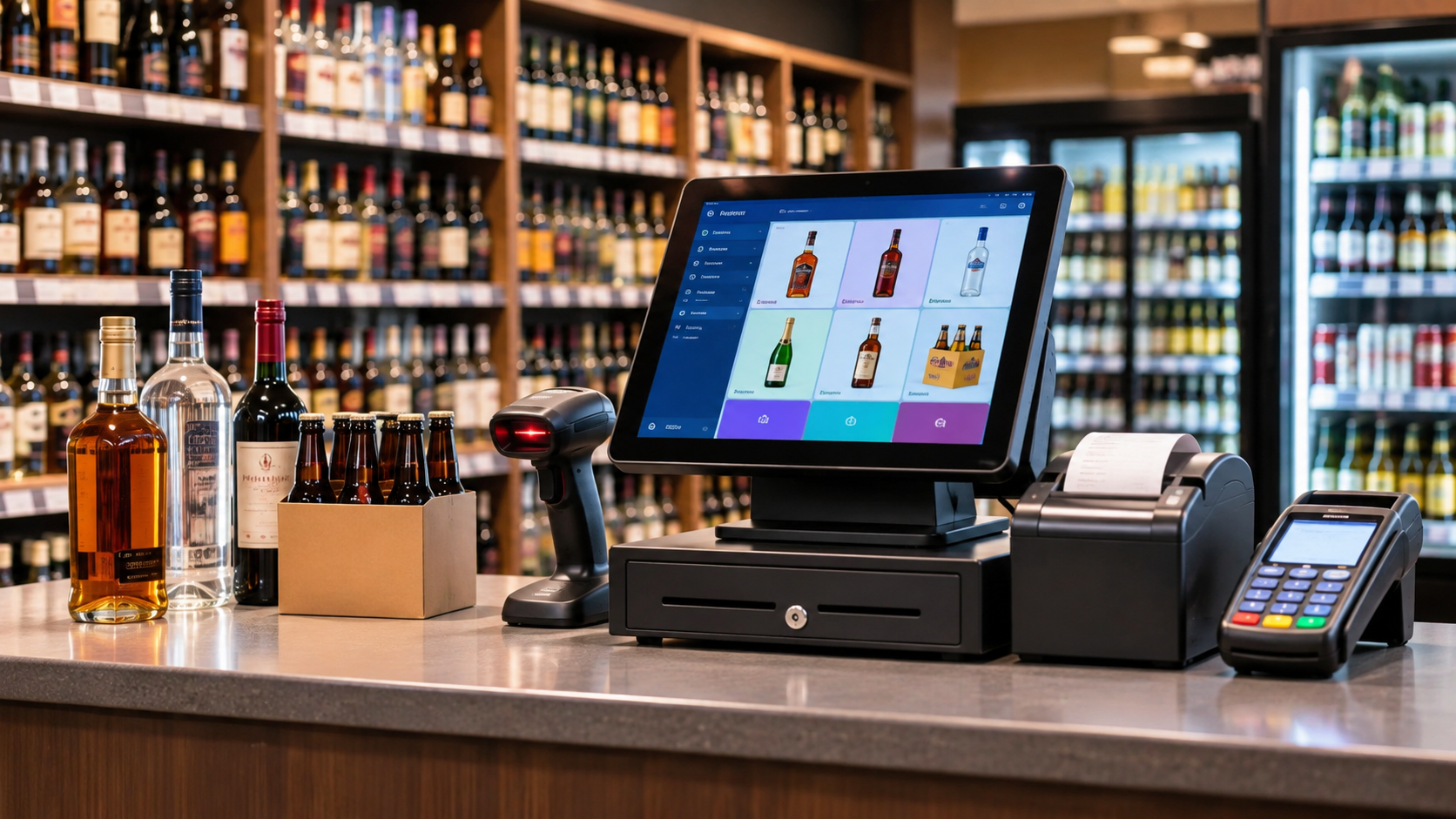
Running a liquor store involves much more than scanning bottles and accepting payments. Store owners must manage hundreds or thousands of products, track distributor deliveries, monitor inventory, verify customer age and keep checkout moving during busy hours. A reliable Liquor Store POS System brings these daily operations together and gives owners better control over what happens behind the counter.
For independent liquor retailers, the right point of sale for liquor store operations should be practical, easy for employees to learn and capable of handling the specific demands of alcohol retail. It should reduce manual work without creating another complicated system to manage.
Why a Liquor Store Needs More Than a Basic Cash Register
A general retail register may handle ordinary transactions, but liquor stores have additional operational requirements.
Consider a Friday evening. Customers are purchasing beer, wine and spirits, employees are restocking shelves, and a distributor delivery arrives while the checkout line is growing. The owner still needs to check inventory, verify the delivery and make sure the register records each transaction correctly.
Without connected inventory and sales information, these activities often involve separate spreadsheets, handwritten notes and repeated manual checks.
A dedicated liquor POS system helps connect sales, stock records, reporting and payment processing. Instead of relying on different tools, owners can monitor important store activities through one centralized platform.
5 Features to Look for in a Liquor Store POS System
1. Inventory Tracking for Bottles, Packs and Cases
Inventory accuracy is one of the biggest challenges in liquor retail. A store might purchase beer by the case but sell individual cans, six-packs and full cases. Wine and spirits also come in different bottle sizes and packaging formats.
A suitable bottle shop POS should support accurate product-level inventory tracking and make it easier to understand what is available, what is selling and what needs replenishment.
Before purchasing a system, ask whether it supports case-break inventory. For example, when a 24-can case is opened and six-packs are sold, the inventory should reflect the remaining units correctly. Confirm that the software handles this conversion automatically rather than relying on manual adjustments.
2. Age Verification at Checkout
Age verification is not something liquor retailers can afford to overlook.
In the United States, the legal drinking age is 21, but the exact procedures for checking identification and selling alcohol depend on state and local requirements.
For example, Texas Alcoholic Beverage Commission rules address age verification for certain off-premises alcohol sales. Texas retailers covered by the applicable requirements must visually inspect and scan an eligible customer's ID or enter its information into an electronic reader.
A liquor POS system should support the age-check workflow required by the retailer's jurisdiction. Depending on the setup, this may involve cashier prompts, ID scanning or other verification procedures.
The important distinction is that POS software supports the process; it does not independently guarantee compliance. Store owners remain responsible for following their licensing authority's requirements and training employees appropriately.
3. Distributor Receiving and Purchase Management
Distributor deliveries require careful attention. Employees need to confirm that the products received match the invoice, quantities are correct and inventory records are updated.
The federal Alcohol and Tobacco Tax and Trade Bureau (TTB) also requires retail dealers to maintain records of alcohol received, including invoices or bills showing the purchases.
A useful liquor POS should make purchase and inventory management easier by providing organized stock records and purchase information. Ask vendors whether distributor invoice imports, barcode-based receiving and purchase-order workflows are supported.
These capabilities can reduce repetitive data entry and make it easier to investigate discrepancies between expected and received stock.
4. Fast Checkout and Flexible Payment Processing
Checkout speed matters, particularly during weekends, holidays and sporting events.
A barcode scanner, touchscreen terminal, receipt printer and integrated payment terminal can help employees complete transactions without repeatedly entering product information manually.
Your POS setup should also support the payment methods your customers commonly use, including eligible debit cards, credit cards and contactless payments.
Independent owners should compare payment processing rates, equipment costs, contract terms and settlement arrangements before choosing a provider. If a cash discount or dual-pricing program is offered, check applicable state laws, card-network requirements and disclosure rules before implementing it.
5. Multi-Store Management and Sales Reporting
Some independent liquor retailers operate two or three stores while still managing purchasing and finances themselves.
Checking each location separately creates unnecessary administrative work. A centralized POS dashboard can provide visibility into sales, inventory and business performance across participating locations.
For example, if a particular wine brand sells quickly at one branch but moves slowly at another, store-level reports can help the owner make more informed purchasing and stock-transfer decisions.
Look for reporting that separates beer, wine and spirits sales and provides useful information about product performance, transaction activity and inventory levels.
Choosing the Right POS Hardware for Your Liquor Store
Software is only one part of the checkout experience. Hardware needs to withstand regular use and work reliably during busy shifts.
A practical liquor store POS setup may include:
-
Touchscreen POS terminal for processing sales.
-
Barcode scanner for identifying products quickly.
-
Receipt printer for customer receipts.
-
Cash drawer for handling cash transactions.
-
Integrated payment terminal for card and contactless payments.
-
Customer display for transaction visibility.
Before purchasing, confirm hardware compatibility, installation requirements, warranty coverage and technical support availability.
How Gokul POS Supports Independent Liquor Retailers
Gokul POS provides point-of-sale software, hardware and payment solutions designed to support retail and hospitality businesses.
Its liquor store POS solution brings together inventory tracking, sales monitoring, customer management and checkout functionality. Store owners can use centralized reporting and multi-store management capabilities to maintain better visibility across their operations.
The platform also offers supporting hardware options, including touchscreen terminals, barcode scanners, receipt printers, cash drawers and payment terminals.
For independent owners, the objective is straightforward: make everyday transactions easier, reduce repetitive administrative tasks and give employees a system they can use confidently.
Before selecting any POS platform, retailers should confirm that the specific features they need, including age-verification workflows, case-break inventory and distributor integrations, are available in their proposed configuration.
Conclusion
Choosing the right Liquor Store POS System is an operational decision, not simply a technology purchase. Inventory accuracy, age verification, distributor receiving, payment processing and multi-store reporting all influence how smoothly a liquor store operates.
Independent retailers should compare systems based on their actual daily requirements rather than choosing solely on subscription price or promotional claims.
Gokul POS offers an integrated approach to liquor retail operations, combining POS software, hardware and payment services. Explore its liquor store POS solution to understand how it can support your store's checkout and management needs.
- Managerial Effectiveness!
- Future and Predictions
- Motivatinal / Inspiring
- Fitness and Wellness
- Medical & Health
- Manufacturing
- Education
- Real-Estate
- Food Industry
- Hospitality
- Online Games
- Sports
- Home Services
- Civil Engineering
- Safety and Protection
- Software Products & Services
- Fashion and Jewellery
- Artificial Intelligence
- Entrepreneurship
- Mentoring & Guidance
- Marketing
- Networking
- HR & Recruiting
- Literature
- Shopping
- Career Management & Advancement