

 SkillClick
Integrate Lightspeed with WooCommerce
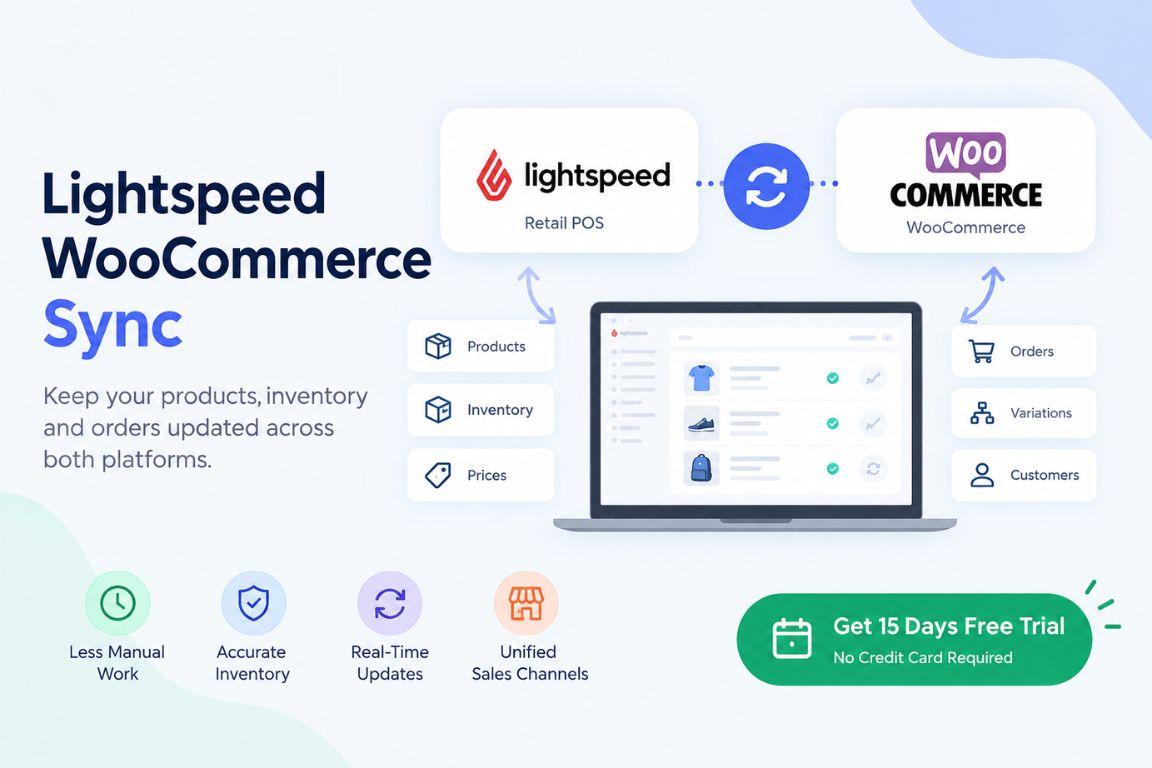
Integrating Lightspeed with WooCommerce helps retailers manage their physical stores and online businesses more efficiently. With SKUPlugs, you can connect your Lightspeed POS system with your WooCommerce store to synchronize inventory, products, and orders across both platforms. This integration helps reduce manual data entry, minimize inventory discrepancies, and maintain more accurate stock information.
Why Integrate Lightspeed with WooCommerce?
Managing inventory separately across a physical store and an online store can be time-consuming. When a product sells in one channel, updating its stock in the other channel manually can lead to overselling and missed sales opportunities.
SKUPlugs simplifies this process by connecting Lightspeed with WooCommerce. With synchronized inventory and product information, retailers can manage their operations more effectively while spending less time on repetitive administrative tasks.
Key Benefits of Lightspeed WooCommerce Integration
- Real-Time Inventory Synchronization: Keep stock quantities aligned between your Lightspeed POS and WooCommerce store, helping reduce overselling.
- Product Synchronization: Maintain consistent product information across your connected sales channels.
- Order Synchronization: Simplify order management by synchronizing relevant order information between connected systems.
- Reduced Manual Work: Use a no-code setup designed to reduce repetitive updates and manual data entry.
- Improved Inventory Accuracy: Minimize discrepancies between physical store inventory and online product availability.
- Simplified Operations: Manage your retail and eCommerce activities through a connected workflow.
How to Connect Lightspeed with WooCommerce Using SKUPlugs
Connecting Lightspeed to WooCommerce with SKUPlugs is designed to be straightforward. Start by choosing the appropriate Lightspeed POS system and connecting your WooCommerce store. Configure the integration settings according to your business requirements, including the products, inventory, and order information you want to synchronize. Once the connection is configured, verify that the synchronization settings work as expected for your store.
The available synchronization options may vary depending on your Lightspeed product and integration configuration.
Start Your Lightspeed WooCommerce Integration Today
Whether you operate a single retail store or manage a growing eCommerce business, SKUPlugs helps simplify the connection between Lightspeed and WooCommerce. Spend less time managing separate systems and more time serving customers and growing your business.
Start your free 15-day trial with SKUPlugs today! Explore the integration with no credit card required, no long-term contracts, and the flexibility to cancel anytime.
- Managerial Effectiveness!
- Future and Predictions
- Motivatinal / Inspiring
- Fitness and Wellness
- Medical & Health
- Manufacturing
- Education
- Real-Estate
- Food Industry
- Hospitality
- Online Games
- Sports
- Home Services
- Civil Engineering
- Safety and Protection
- Software Products & Services
- Fashion and Jewellery
- Artificial Intelligence
- Entrepreneurship
- Mentoring & Guidance
- Marketing
- Networking
- HR & Recruiting
- Literature
- Shopping
- Career Management & Advancement