

 SkillClick
How to Check Whether Hunty Zombie Promotional Codes Are Still Valid
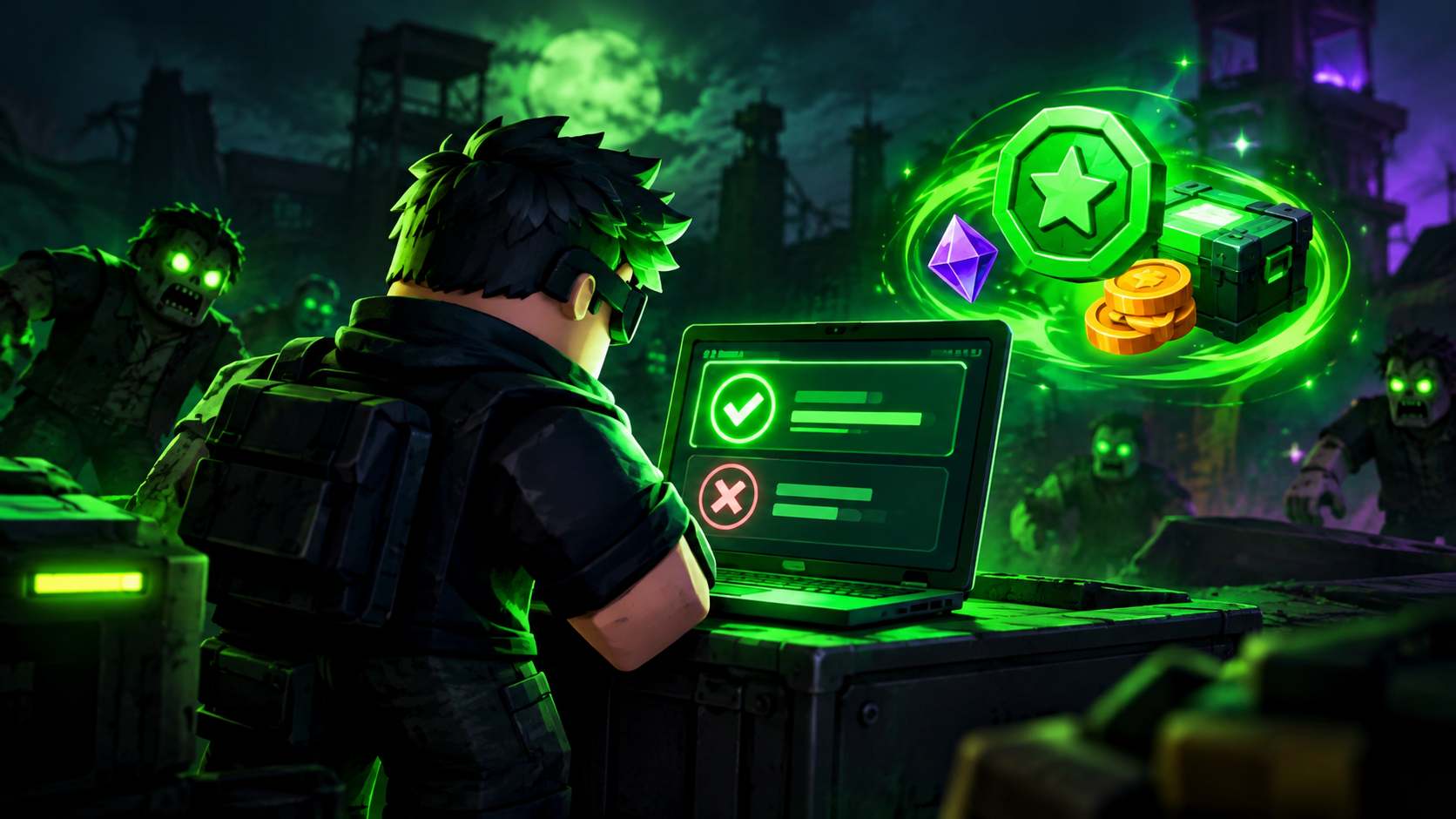
Hunty Zombie is a survival game on Roblox where players fight dangerous zombies, level up their characters, and earn useful in-game rewards. In this game, players need to eliminate every zombie that comes in their way. Players can upgrade their skills and character powers to survive in the game. The game developer releases promotional codes for free. These help players to get rewards like Lucky Spins, Traits, Tickets, and other resources. However, these codes could be revoked or not available after a certain time, so it saves time if you check the validity before redeeming them.
If you use promo codes a lot, it’s important to know how to find active codes, how to use them properly, and why a code might not work. This guide explains how to find new active Hunty Zombie codes and how to check whether or not your Hunty Zombie codes are still valid or not.
1. Check an Updated List of Hunty Zombie Codes
One of the easiest ways to check whether your codes are still valid is to check the Active Hunty Zombie Codes list. This platform actively checks official game announcements, the Roblox community, and the game's Discord to provide gamers with active Hunty Zombie codes.
Instead of manually searching game updates, the Roblox community, and Discord discussions, you can use this platform that provides the latest codes. This platform first tests Hunty Zombie codes and adds them after successful redemption.
2. Redeem the Code in the Game
Checking a code list is a useful first step, but the most direct way to confirm whether a code works is to try redeeming it in Hunty Zombie.
Follow these steps:
-
Launch Hunty Zombie on Roblox.
-
Make sure your character has reached Level 5, if required by the game's current redemption system.
-
Open the code menu using the book icon.
-
Enter the promotional code in the provided text box.
-
Select the Confirm button to submit the code.
-
Check the message displayed by the game to see whether the redemption was successful.
If the game accepts the code and grants the reward, the code is working for your account. If it displays an error, check the code's spelling and possible expiration status.
3. Check Spelling, Capitalization, and Symbols
Hunty Zombie codes are case-sensitive. If you wrote codes incorrectly and mistakenly forgot to mention special characters and symbols, then in this case these codes might not work. Hunty Zombie codes can contain upper- and lower-case letters, numbers, and special characters, so a minor difference can prevent the code from being redeemed.
To avoid mistakes:
-
Copy the code directly from a trusted code list.
-
Avoid adding extra spaces before or after the code.
-
Check capital letters. Check numbers. Check special symbols
-
Make sure you have not accidentally omitted any characters.
In addition, it’s usually easier to copy and paste a code rather than to type it in manually, particularly if the code contains a combination of letters and punctuation marks.
4. Understand Why a Promotional Code May Not Work
An unsuccessful redemption does not always mean that a code has expired. Several issues can prevent a promotional code from working.
Expired code: Developer-released Hunty Zombie Codes are for a limited time; after some time, the developer deactivates these codes.
Already redeemed: Hunty Zombie Codes can be redeemed only once per account. If you have already redeemed this code on your account, you cannot redeem the same code twice on the same account.
Level requirement: Hunty Zombie game requires a minimum level 5 to activate the code redemption menu. If you are below level 5, you can't redeem this code in your game.
Typing error: Incorrect spelling, missing symbols, or unwanted spaces can prevent successful redemption.
Temporary game issue: Code redemption may be affected temporarily by server issues or a recent update. Please try again later in this case.
Knowing what’s causing the problem can help you decide whether to correct your entry, wait for the game to go live, or look for another working code.
5. Follow Game Updates and Official Announcements
Milestones, special events, updates, or community celebrations may inspire developers to roll out new promotional codes. They may also announce that certain codes are no longer valid.
The best way to stay on top of new codes and any modifications to the redemption system is to stay in touch with the game’s official channels. And you can check announcements with updated community code lists to see rewards that might be usable.
But remember that just because a code is in an old post doesn’t mean it’s active. Always check the status of the code and attempt to redeem it in-game.
6. Keep Track of New and Expired Codes
If you play Hunty Zombie often, make sure to check promotional codes often so you don’t miss out on limited-time rewards. Save a new list of codes and come back when the game has a big update.
When you check a code, you want to know if it’s reported active, if it meets the requirements to redeem the game, and if the game actually accepts the code when you type it in.
This method can help you distinguish between a code that may have expired and one that just needs a correct entry or an eligible account.
Frequently Asked Questions
How can I tell if a Hunty Zombie code is still active?
Check the active Hunty Zombie codes list and use active codes in your account. If your redemption is successful, then this code can work.
Why does a Hunty Zombie promotional code say invalid?
The code may have expired, been entered incorrectly, already been redeemed, or require a level or other condition. A temporary game issue may also cause problems.
Can Hunty Zombie codes expire?
Yes, Hunty Zombie codes are released for a limited amount of time; after some time, the developer deactivates those codes so you can no longer redeem them.
Final Thoughts
Always check the active Hunty Zombie codes list from a trusted platform or official game announcement. Copy the entire code from that list and paste this code as it is in the “enter code here” fields. Click the Confirm button and check whether your account receives rewards or not.
- Managerial Effectiveness!
- Future and Predictions
- Motivatinal / Inspiring
- Fitness and Wellness
- Medical & Health
- Manufacturing
- Education
- Real-Estate
- Food Industry
- Hospitality
- Online Games
- Sports
- Home Services
- Civil Engineering
- Safety and Protection
- Software Products & Services
- Fashion and Jewellery
- Artificial Intelligence
- Entrepreneurship
- Mentoring & Guidance
- Marketing
- Networking
- HR & Recruiting
- Literature
- Shopping
- Career Management & Advancement