

 SkillClick
How Long Does Digital8 Conversion Take? A Look at the Full Process
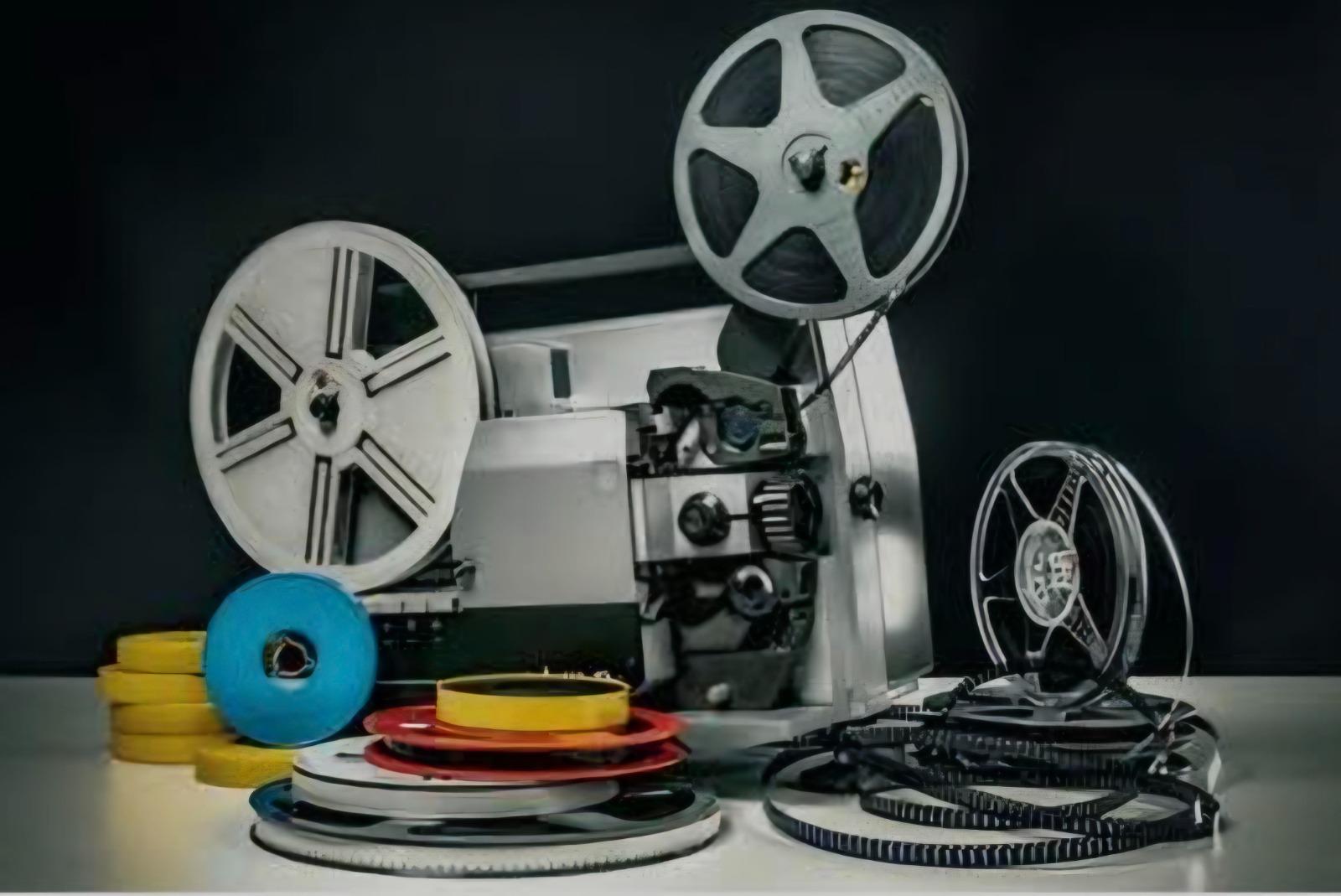
If you have Digital8 tapes and no working camcorder, you want a clear timeline for getting watchable files back. Capture must happen in real time, so a 60-minute tape needs at least 60 minutes of playback, plus inspection, encoding and checks. For small orders in good condition, many Australian labs finish in 2 to 3 business days once tapes arrive. Here is what shapes that timeline when you book Digital8 conversion services.
What Is Digital8 And Why Does It Need Real Time?
Digital8 is an 8mm digital format Sony released in 1999. It uses the same shell as Video8 and Hi8 but records digitally with a DV codec. A Hi8 cassette recorded as Digital8 holds about 60 minutes in SP and up to 90 minutes in LP.
Unlike copying a file, tape must play from start to end to be captured. That real-time playback sets the baseline.
The Real-Time Rule for Digital 8 Tapes
Industry guides note that transfers are a real-time process. Ten hours of footage needs ten hours of capture before file work. Running faster breaks sync and drops frames.
Even with serviced decks, speed stays fixed. Efficiency comes from preparation and parallel decks.
How Long Does The Conversion Process Take?
Most Gold Coast labs quote 2 to 3 business days as standard for one to five tapes in good condition. That covers logging, inspection, capture, MP4 encoding and loading to USB or cloud.
Larger orders take longer. Twenty tapes mean twenty separate real-time captures plus naming and quality review. Postage adds time both ways for interstate mail.
Studios with two drop-off points, Tugun and Southport, plus free return postage Australia-wide, shorten overall wait. The business has served customers for over 15 years with professional equipment.
Tape Length And Number Of Tapes
Length is the biggest driver. LP holds 90 minutes, so it needs 50 per cent more time than the 60-minute SP. Partly recorded tapes still need viewing end to end.
Three 60-minute tapes equal three hours of capture. Twenty mixed tapes can exceed a full working day.
Tape Condition And Repairs
Tapes stored in hot or humid spots can develop mould, sticky shed or cracked shells. A good studio inspects each tape first. Cleaning or splicing can add 15 to 60 minutes per tape before capture.
Enhancement and Output Choices
Basic conversion produces MP4 matched to original quality. Optional brightness or hiss reduction needs an extra render pass. USB copy is quick. Cloud upload or DVD menus take longer to verify.
The Step-by-Step Digital8 Conversion Workflow
Inspection and Cleaning
Staff log tapes, check labels and inspect shell and tape path. Tapes needing care are cleaned and wound to even tension.
Capture and Transfer
Tape plays in a serviced Digital8 camcorder or deck linked via FireWire or converter to a workstation. Capture happens in real time with monitoring for tracking errors or audio drop. For Digital8, capture often preserves original data bit for bit.
File Encoding and Quality Checks
Files are encoded to MP4 with H.264 video and AAC audio for TVs, computers and phones. Each file is checked for sync, completeness and naming.
Delivery and Return
Files go to USB, an external drive or a secure cloud link. Originals are packed and returned. Labs that accept drop-off and mail order serve Brisbane, the Gold Coast and the interstate.
What Affects Turnaround For Digital8 Conversion Services
Four factors shape turnaround:
-
Quantity. More tapes mean more real-time sessions. Ask if multiple decks run in parallel.
-
Condition. Well-stored tapes transfer without repair. Poor storage often means cleaning.
-
Queue. Jobs run in arrival order. Busy periods such as school holidays can add a day.
-
Add-ons. Colour correction, DVD authoring and large cloud uploads add processing.
Mention deadlines at booking. Many studios offer priority for small orders.
To Conclude
Digital8 conversion needs at least the full run time of each tape to capture, plus inspection, encoding and review. That is why a few good-condition tapes often finish in 2 to 3 business days, while large or damaged sets need longer.
Knowing tape length, condition and output helps you plan. If you want careful local handling and clear updates, Digital8 conversion services from Showbiz Video Productions in the Gold Coast offer a practical path from ageing tapes to modern files you can watch, share and preserve.
FAQs
Can a Damaged Digital 8 Tape Be Converted?
Often yes. Mould and snapped tape can be cleaned and repaired before capture. Heavy oxide loss may cause picture loss. A technician will advise first.
Will Quality Drop During Conversion?
Proper transfer keeps original quality. The video is captured digitally and encoded to high-bitrate MP4. Keep the master as an archive.
What Files Do I Receive?
Most labs deliver MP4 on USB, external drive or secure cloud link. MP4 plays on smart TVs, computers and phones. You can request MOV for editing.
How Should I Store New Files?
Keep two copies, for example, one USB at home and one external drive or cloud. Label folders by year and event.
Should I Keep Original Tapes After Conversion?
Keep originals until you verify new files play and you have two backups. Then decide whether to store or dispose of them.
- Managerial Effectiveness!
- Future and Predictions
- Motivatinal / Inspiring
- Fitness and Wellness
- Medical & Health
- Manufacturing
- Formazione
- Real-Estate
- Food Industry
- Hospitality
- Online Games
- Sports
- Home Services
- Civil Engineering
- Safety and Protection
- Software Products & Services
- Fashion and Jewellery
- Artificial Intelligence
- Entrepreneurship
- Mentoring & Guidance
- Marketing
- Networking
- HR & Recruiting
- Literature
- Shopping
- Career Management & Advancement