

 SkillClick
How Can I Remove Viruses and Malware from My Computer?
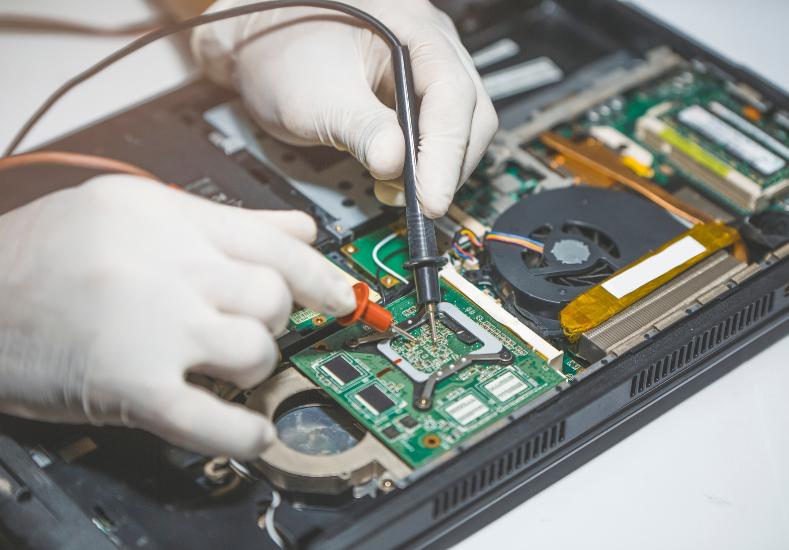
Noticing your computer behaving strangely, running slower than usual, popping up unfamiliar ads, or showing programs you don't remember installing, is unsettling. It's natural to immediately suspect a virus or malware infection, and in a lot of cases that instinct turns out to be correct.
The good news is that removing malware, while sometimes involved, follows a fairly established process, and understanding the steps involved can help you approach the problem calmly rather than panicking about lost files or a compromised system.
Recognising the Signs of an Infection
Malware doesn't always announce itself obviously. Some infections cause noticeable slowdowns, excessive pop-ups, or a browser homepage that's changed without your input. Others are far quieter, running in the background while collecting information or using system resources without any dramatic visual sign at all. Unexpected crashes, programs opening on their own, or a sudden spike in data usage can all be indicators worth investigating, even if nothing looks obviously wrong on the surface.
Starting With a Full System Scan
The first practical step is running a full scan using a reputable, up-to-date antivirus or anti-malware program, rather than relying on a quick scan alone, since quick scans typically only check the most common infection locations. Many computers benefit from running a scan with a second, different tool afterward, since no single antivirus program catches every type of threat, and some malware is specifically designed to evade particular detection methods. This is a step people across the area, including those searching for computer repairs hawksburn after noticing early warning signs, are often advised to start with before assuming a deeper issue is at play.
Safe Mode and Deeper Removal Steps
If a standard scan doesn't fully resolve the issue, restarting your computer in Safe Mode before running a scan can help, since many types of malware are designed to actively resist removal while the full system is running normally. Safe Mode loads only essential system processes, making it significantly harder for malware to block or interfere with removal tools. For more persistent infections, specialised removal tools designed for specific threat types are sometimes necessary, particularly for malware that's embedded itself deeply into system files or startup processes.
When DIY Removal Isn't Enough
Some infections are stubborn enough that standard removal tools can't fully eliminate them, particularly rootkits, which are designed specifically to hide from conventional antivirus software and can reinstall themselves even after apparent removal. Ransomware presents an entirely different challenge again, since it encrypts files rather than simply infecting the system, and attempting removal without proper knowledge can sometimes make file recovery more difficult rather than easier. In these situations, a professional assessment is usually the safer path forward rather than continuing to attempt removal without the right tools or expertise.
A Recent Customer Experience
★★★★★ Google Review — Sophie Kavanagh, Hawksburn VIC
"My laptop started showing constant pop-ups and running incredibly slowly out of nowhere, and I got worried pretty quickly since I use it for online banking regularly. I tried running a scan myself but it kept finding the same threats over and over without actually removing them. I brought it to Same Day Computer Repairs and they identified it as a persistent infection that was reinstalling itself each time. They removed it properly using tools I didn't have access to myself and checked my accounts hadn't been compromised in the process. It's been running smoothly since with no repeat pop-ups or slowdowns. I appreciated that they explained what type of infection it was and how it had likely gotten in, which helped me understand what to avoid going forward."
Protecting Your Computer After Removal
Once malware has been removed, changing passwords for any accounts accessed on the infected device is a sensible precaution, particularly for banking, email, and any accounts holding sensitive information. Updating your operating system and all installed software helps close security gaps that malware commonly exploits, since outdated software is a frequent entry point for infections. Keeping a reputable antivirus program active and running regular scans going forward, rather than only checking when something seems wrong, helps catch new threats earlier before they have a chance to cause noticeable disruption.
Preventing Future Infections
Being cautious with email attachments and links from unfamiliar senders remains one of the most effective ways to avoid malware in the first place, since phishing emails are still one of the most common infection methods. Downloading software only from official sources, rather than third-party sites offering free versions of paid programs, significantly reduces exposure to bundled malware. Regularly backing up important files to an external drive or cloud service also means that even in the event of a serious infection like ransomware, your files remain recoverable without depending entirely on removal being successful.
Conclusion
Discovering malware on your computer is stressful, but in most cases the infection can be identified and removed without permanent damage to your files or system, particularly when addressed promptly rather than left to spread further. Whether a straightforward antivirus scan resolves the issue or a more persistent infection requires specialised tools and expertise, understanding the process helps take some of the uncertainty out of a genuinely unsettling situation. If you're dealing with a suspected infection that basic scans haven't fully resolved, Same Day Computer Repairs can properly identify and remove the threat while checking for any wider impact on your accounts or files.
- Managerial Effectiveness!
- Future and Predictions
- Motivatinal / Inspiring
- Fitness and Wellness
- Medical & Health
- Manufacturing
- Education
- Real-Estate
- Food Industry
- Hospitality
- Online Games
- Sports
- Home Services
- Civil Engineering
- Safety and Protection
- Software Products & Services
- Fashion and Jewellery
- Artificial Intelligence
- Entrepreneurship
- Mentoring & Guidance
- Marketing
- Networking
- HR & Recruiting
- Literature
- Shopping
- Career Management & Advancement