

 SkillClick
Cisco Switches: Features, Types, Benefits & Buying Guide
Introduction
In today's digital business environment, reliable networking infrastructure is essential for communication, productivity, and secure data transmission. Organizations depend on stable networks to connect computers, servers, wireless access points, security cameras, and other important devices. Cisco Switches play a significant role in building these connections by delivering efficient data transfer, advanced network management, and dependable performance.
Whether an organization operates a small office or a large enterprise, choosing the right networking equipment can significantly affect daily operations. Cisco offers a broad portfolio of switching solutions designed to accommodate different network sizes, performance requirements, and security needs.
Understanding how Cisco Switches work, their available types, and their key features helps businesses make informed decisions when upgrading or expanding their network infrastructure.
What Are Cisco Switches?
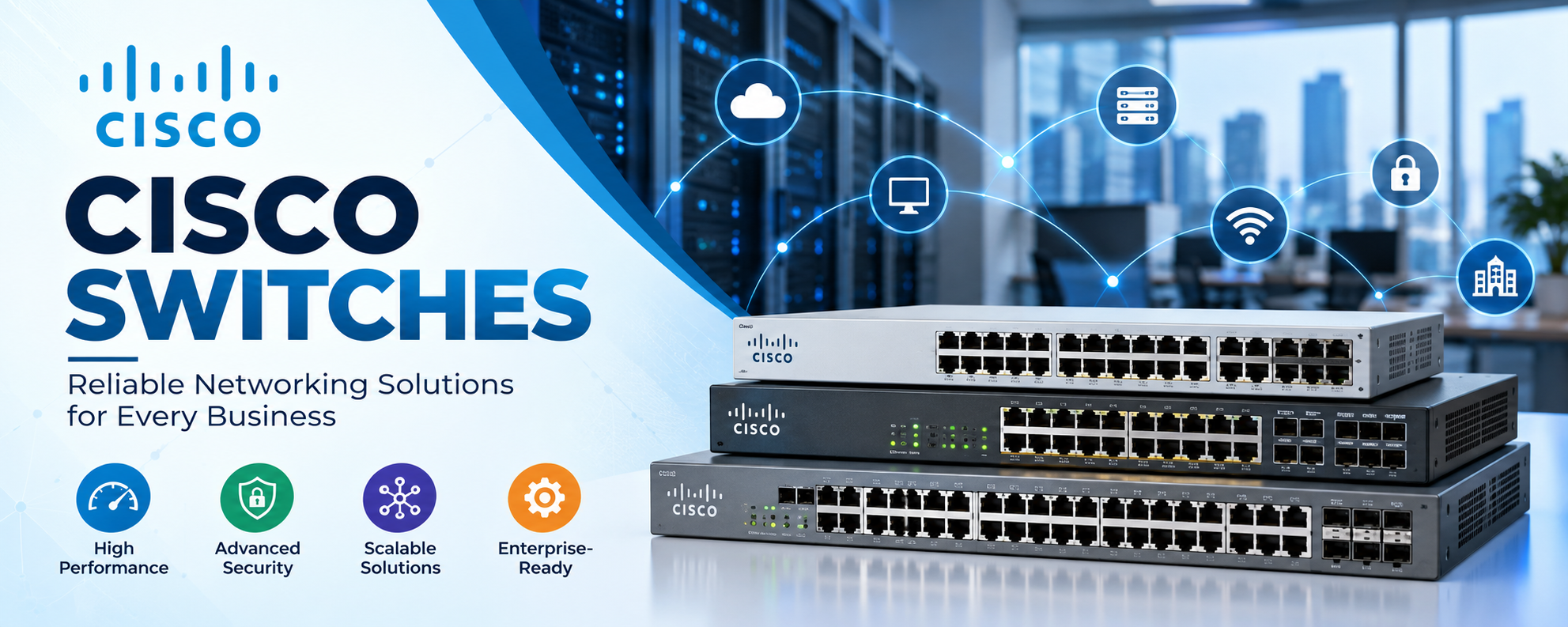
Cisco Switches are networking devices that connect multiple devices within a local area network (LAN). They allow connected equipment, including computers, printers, servers, and wireless access points, to communicate efficiently.
Unlike traditional network hubs, which send incoming data to every connected port, network switches use MAC address information to forward Ethernet frames toward their intended destinations. This intelligent communication process reduces unnecessary traffic and improves network efficiency.
Modern Cisco Switches support additional capabilities such as VLANs, traffic prioritization, network monitoring, and access controls. These functions make them suitable for organizations that require reliable connectivity and centralized network administration.
Cisco switching solutions are available in different configurations, ranging from compact office switches to modular enterprise platforms supporting demanding network environments.
How Do Cisco Switches Work?
Cisco Switches operate primarily at Layer 2 of the OSI model, although many models also support Layer 3 routing functionality.
When a device sends an Ethernet frame, the switch examines its source MAC address and learns which port is associated with that address. It then uses its forwarding table to identify the appropriate destination port.
If the destination address is unknown, the switch generally floods the frame within the relevant VLAN, except through the incoming port. As the switch learns connected devices, it forwards subsequent traffic more selectively.
This process enables multiple devices to exchange information simultaneously without unnecessary interference.
Layer 2 and Layer 3 Switching
Layer 2 Cisco Switches primarily forward Ethernet frames within the same network segment or VLAN. They are commonly used to connect end-user devices in office environments.
Layer 3 Cisco Switches provide additional routing capabilities, allowing communication between different IP subnets and VLANs.
Organizations with complex networks often choose Layer 3 switches to improve internal traffic management, reduce unnecessary routing bottlenecks, and support efficient communication across departments.
Different Types of Cisco Switches
Cisco provides several switching platforms designed for different business environments. Understanding these categories helps organizations select equipment that matches their infrastructure requirements.
Cisco Catalyst Switches
Cisco Catalyst Switches are widely used in enterprise campus networks, offices, educational institutions, and commercial environments.
The Catalyst 9200, 9300, and 9500 families support different access, distribution, and core networking requirements.
Catalyst switches commonly offer capabilities such as VLAN management, security controls, Quality of Service, and advanced network administration.
Some models also support Power over Ethernet, enabling compatible devices to receive electrical power through Ethernet connections.
Their combination of performance, management capabilities, and scalability makes Catalyst switches suitable for businesses planning long-term network development.
Cisco Nexus Switches
Cisco Nexus Switches are designed primarily for data center environments where high bandwidth, low latency, and reliable connectivity are important.
The Nexus 9000 family supports high-density network connections and modern data center architectures.
These switches are commonly deployed in environments supporting virtualization, cloud infrastructure, large server clusters, and storage networking.
Compared with typical office switches, Nexus platforms emphasize data center connectivity, automation, and high-performance traffic handling.
Businesses operating demanding workloads often consider Nexus switches when designing scalable data center networks.
Cisco Small Business Switches
Cisco also offers switching solutions designed for smaller organizations that need straightforward network connectivity and manageable operating costs.
These switches are suitable for connecting office computers, printers, wireless access points, and other business equipment.
Depending on the model, they may provide features such as VLANs, basic security controls, link aggregation, and simplified management.
Small business switches can deliver reliable connectivity without requiring the same level of infrastructure complexity as large enterprise switching platforms.
Key Features of Cisco Switches
Cisco Switches include networking technologies that improve performance, security, and operational efficiency. Available features vary depending on the hardware model, software version, and licensing configuration.
High-Speed Network Connectivity
Network speed is an important consideration when selecting switching equipment.
Cisco offers switches supporting various Ethernet speeds, including 1 Gigabit, 10 Gigabit, 25 Gigabit, 40 Gigabit, 100 Gigabit, and higher capacities on selected platforms.
Higher-speed connectivity is especially beneficial for organizations transferring large files, operating virtualized systems, or supporting bandwidth-intensive applications.
Selecting the appropriate port speeds helps reduce congestion and supports efficient communication between connected devices.
Power over Ethernet Support
Power over Ethernet, commonly called PoE, allows compatible switches to transmit electrical power and network data through a single Ethernet cable.
This technology is useful for devices such as IP phones, wireless access points, and surveillance cameras.
Organizations can simplify installation by reducing the need for separate power adapters near supported devices.
However, businesses must verify the switch's total PoE power budget and the power requirements of connected equipment before deployment.
Advanced Network Security
Network security is a major consideration for modern organizations.
Many Cisco Switches support technologies such as access control lists, port security, DHCP snooping, and IEEE 802.1X authentication.
These features help administrators regulate device connectivity, restrict unauthorized traffic, and strengthen network access policies.
Security capabilities depend on the specific switch model and configuration. Proper software maintenance and network administration remain essential for maintaining a secure environment.
VLAN Configuration and Traffic Management
Virtual Local Area Networks, or VLANs, allow administrators to divide a physical switching infrastructure into separate logical networks.
For example, an organization can create different VLANs for employees, guests, administrative systems, and security devices.
This segmentation improves network organization and can help limit unnecessary communication between different groups.
Cisco Switches also support Quality of Service features on many models, allowing administrators to prioritize important applications such as voice communication and video conferencing.
Benefits of Using Cisco Switches for Business Networks
Cisco Switches provide several advantages for organizations seeking reliable and manageable networking infrastructure.
Improved Network Performance
Efficient traffic forwarding helps connected devices communicate without unnecessary network congestion.
Businesses using properly configured switches can improve internal connectivity and support applications requiring consistent network performance.
High-speed uplinks and suitable switching capacity are particularly important in environments with many connected users.
Scalability for Growing Businesses
As organizations expand, their networking requirements usually increase.
Additional employees, connected devices, and business applications can create demand for more ports and higher bandwidth.
Cisco offers switch families with different port densities, uplink capabilities, and stacking or modular expansion options.
Selecting scalable equipment allows businesses to accommodate future requirements without immediately redesigning their entire infrastructure.
Centralized Network Management
Network administrators need visibility into connected devices, traffic patterns, and equipment performance.
Depending on the platform, Cisco Switches support command-line administration, graphical management interfaces, monitoring protocols, and centralized management solutions.
These tools can simplify configuration, troubleshooting, and infrastructure monitoring.
Centralized visibility becomes increasingly valuable as organizations operate multiple offices or larger network environments.
Reliable Enterprise Connectivity
Network downtime can interrupt business operations, customer communication, and access to critical applications.
Many enterprise Cisco switches provide redundancy capabilities, resilient network protocols, and monitoring functions that help organizations maintain service continuity.
Actual availability depends on network design, power resilience, configuration, and maintenance practices.
How to Choose the Right Cisco Switches
Selecting appropriate networking equipment requires more than comparing product prices. Businesses should evaluate current requirements while considering future infrastructure growth.
Consider Network Size and Port Requirements
The first step is identifying how many devices require physical network connections.
A small office may need a switch with 8, 24, or 48 ports, while larger organizations may require multiple switches or modular systems.
Businesses should also account for additional connections that may be needed as their operations expand.
Evaluate Network Speed and Bandwidth
Different business environments have different bandwidth requirements.
Standard office networks may operate effectively with Gigabit Ethernet access ports, while environments handling large data transfers may benefit from faster uplinks and multigigabit connections.
Organizations should evaluate current application traffic and anticipated workloads before choosing a switch.
Check Compatibility with Existing Hardware
Network compatibility is essential when introducing new switching equipment.
Businesses should verify supported Ethernet speeds, transceiver types, optical connections, software requirements, and existing network configurations.
Cisco SFP and SFP+ transceivers, for example, must be compatible with the selected switch model and its supported interfaces.
Reviewing hardware compatibility before purchasing helps prevent installation problems and unexpected replacement costs.
Compare Managed and Unmanaged Solutions
Managed switches provide greater control over network configuration, monitoring, VLANs, and traffic management.
Unmanaged switches generally offer basic connectivity with minimal configuration options.
Cisco's enterprise-oriented switching platforms are primarily managed solutions, making them appropriate for organizations requiring more advanced networking functionality.
Review Total Ownership Costs
The purchase price is only one component of network equipment expenses.
Businesses should also consider software subscriptions where applicable, power consumption, installation, maintenance, support contracts, and future expansion requirements.
Evaluating total cost of ownership can help organizations select equipment that delivers better long-term value.
New vs. Refurbished Cisco Switches
Businesses purchasing networking equipment often compare new and refurbished Cisco Switches.
New switches generally provide access to current hardware generations, applicable manufacturer warranties, and available support options, depending on the product and purchase arrangement.
Refurbished switches can be a cost-effective alternative for organizations with limited budgets or requirements involving existing infrastructure.
However, refurbished equipment should be evaluated carefully for hardware condition, firmware compatibility, licensing, included accessories, and available technical support.
Organizations should also verify whether a specific model has reached its end-of-sale or end-of-support milestones.
Choosing between new and refurbished networking hardware ultimately depends on operational requirements, budget, and acceptable maintenance risks.
Common Applications of Cisco Switches
Cisco Switches are used across numerous industries where dependable network connectivity is necessary.
In corporate offices, they connect workstations, conference equipment, printers, and wireless infrastructure.
Educational institutions use switching solutions to support computer laboratories, classrooms, administrative networks, and campus connectivity.
Healthcare facilities depend on reliable networks for communication systems, medical applications, and connected devices.
Data centers use high-performance switching platforms to connect servers, storage infrastructure, and networking systems.
Manufacturing organizations may also deploy compatible industrial networking solutions to support automation equipment and operational technology environments.
These diverse applications demonstrate the importance of choosing switches that align with specific networking conditions.
Future of Cisco Switches in Modern Networking
Business networks continue evolving as cloud computing, artificial intelligence, automation, and connected devices increase infrastructure demands.
Modern Cisco switching platforms increasingly support programmable management, network visibility, advanced security capabilities, and higher-speed connectivity.
Automation helps administrators manage complex configurations more consistently, while network analytics can assist with identifying operational issues.
As organizations adopt hybrid working environments and distributed applications, scalable switching infrastructure remains a fundamental component of business connectivity.
Investing in appropriately sized, well-supported networking equipment helps organizations prepare for future technological developments.
Conclusion
Cisco Switches are essential networking devices that support communication, performance, and connectivity across business environments.
From Cisco Catalyst switches designed for campus and office networks to Cisco Nexus switches developed for demanding data centers, different switching platforms address different infrastructure requirements.
Features such as VLAN segmentation, Power over Ethernet, advanced security controls, and high-speed connectivity help organizations build efficient and manageable networks.
Choosing the right Cisco Switches requires careful evaluation of network size, port capacity, bandwidth requirements, compatibility, security, and long-term ownership costs.
With proper planning and configuration, businesses can establish scalable networking infrastructure that supports daily operations and future growth.
Frequently Asked Questions (FAQs)
What are Cisco Switches used for?
Cisco Switches connect computers, servers, printers, wireless access points, and other devices within a network. They enable efficient data communication and provide management features that help organizations maintain reliable connectivity.
What is the difference between Cisco Catalyst and Cisco Nexus switches?
Cisco Catalyst switches are primarily designed for enterprise campus and office networks. Cisco Nexus switches focus on data center environments requiring high-performance connectivity, automation, and scalable network architectures.
Are Cisco Switches suitable for small businesses?
Yes, Cisco offers switching solutions suitable for small businesses and larger organizations. The appropriate choice depends on device count, network speed, security requirements, and available budget.
What is the difference between managed and unmanaged Cisco Switches?
Managed switches allow administrators to configure VLANs, monitor traffic, apply security controls, and manage network performance. Unmanaged switches provide basic connectivity with limited configuration capabilities.
Do Cisco Switches support Power over Ethernet?
Many Cisco switch models support Power over Ethernet. However, PoE availability, supported standards, and total power budgets vary between models, so specifications should be checked before purchasing.
How long do Cisco Switches last?
Cisco Switches can operate for many years when properly maintained. Their practical service life depends on hardware condition, environmental conditions, software support, network demands, and the manufacturer's product lifecycle.
Can refurbished Cisco Switches be reliable?
Yes, properly tested refurbished switches can provide dependable performance. Buyers should check hardware condition, software compatibility, licensing, warranty coverage, and support availability before making a purchase.
How do I choose the best Cisco Switch for my business?
Start by evaluating connected devices, required port speeds, PoE needs, security features, management requirements, and future expansion plans. Comparing compatible Cisco switch families against these requirements helps identify the most appropriate solution.
- Managerial Effectiveness!
- Future and Predictions
- Motivatinal / Inspiring
- Fitness and Wellness
- Medical & Health
- Manufacturing
- Education
- Real-Estate
- Food Industry
- Hospitality
- Online Games
- Sports
- Home Services
- Civil Engineering
- Safety and Protection
- Software Products & Services
- Fashion and Jewellery
- Artificial Intelligence
- Entrepreneurship
- Mentoring & Guidance
- Marketing
- Networking
- HR & Recruiting
- Literature
- Shopping
- Career Management & Advancement