

 SkillClick
Bar POS Systems: Simplify Tabs, Payments, and Bar Management
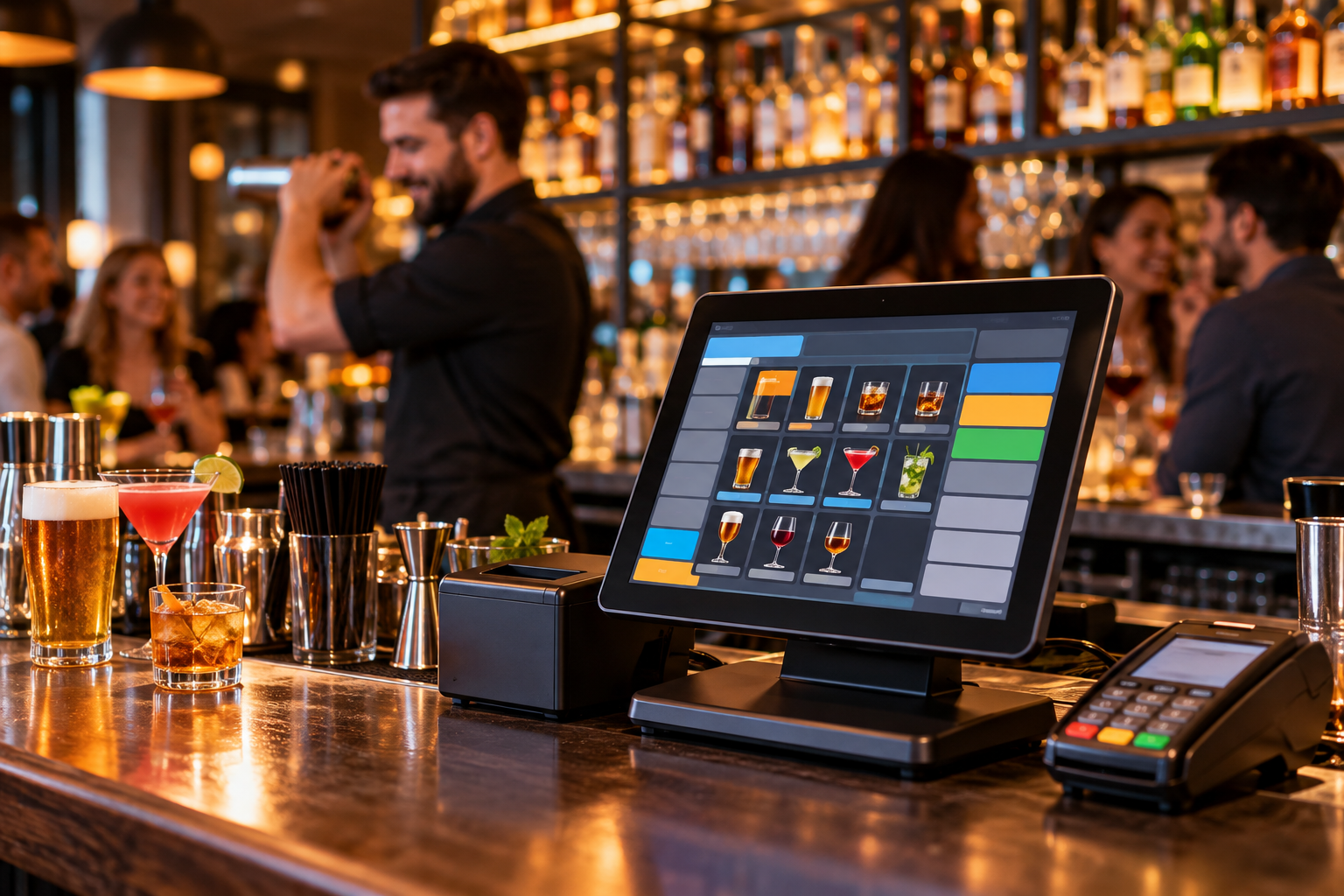
Running a bar means serving customers quickly while keeping tabs, drink orders, tips, and inventory straight. During a Friday-night rush, one group may want to split a check, another may be ready to close an open tab, and a bartender may need to apply happy-hour pricing while new orders keep coming in. Bar POS Systems help organize these transactions and give owners a clearer view of sales, payments, and stock.
For independent bars, pubs, breweries, and neighborhood venues in the United States, the right point-of-sale system should be easy to operate during a busy shift. It should support the way bartenders actually work, without creating extra steps at the register or leaving managers to reconcile every detail manually the next morning.
Why Bar POS Systems Need Bar-Specific Features
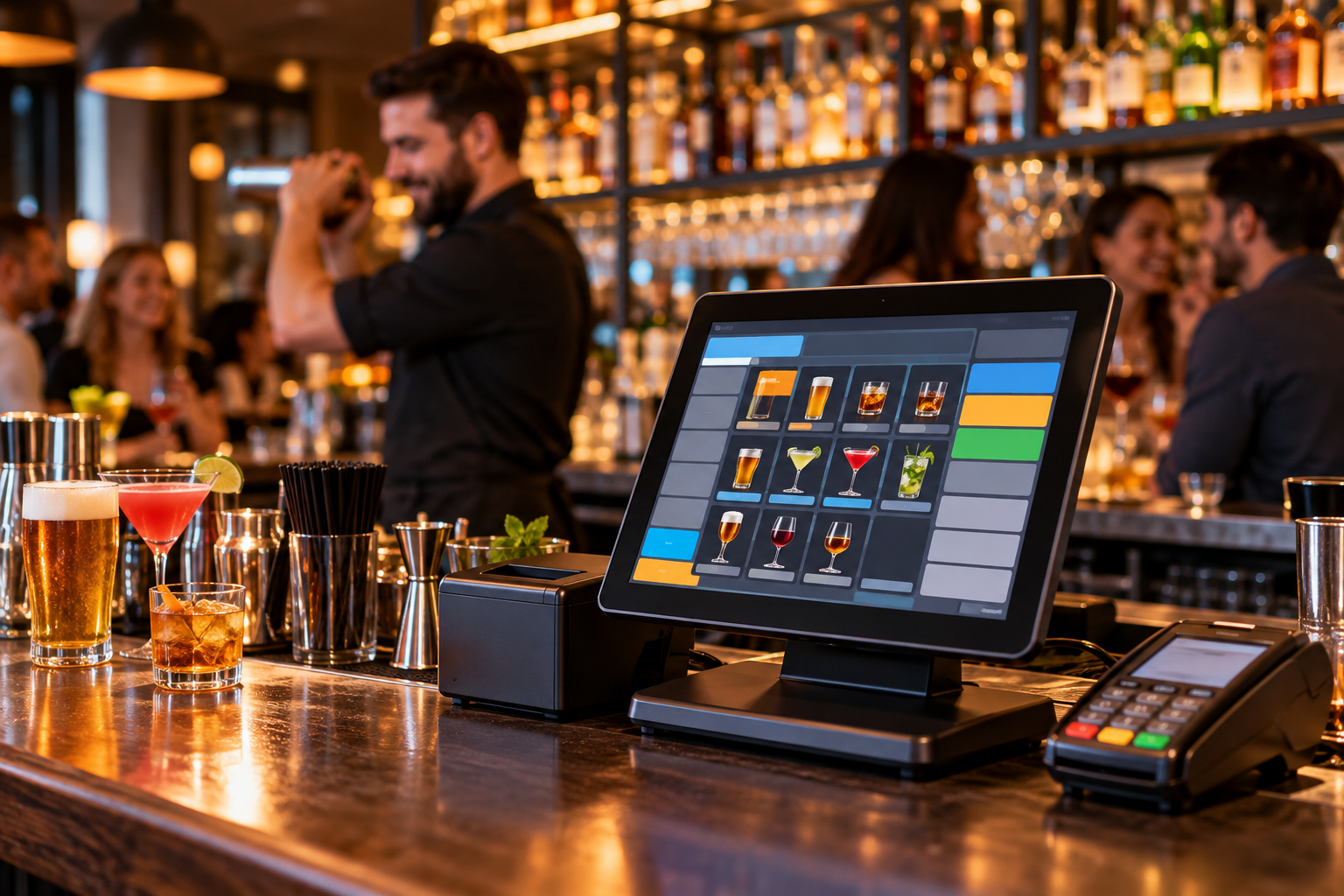
A standard Retail store Pos checkout setup may handle a simple purchase, but bar service involves open tabs, repeated orders, modifiers, tips, split checks, and sometimes food orders sent to a kitchen. These workflows need to stay connected from the first round to the final payment.
Imagine a customer opening a tab with a card, ordering three more rounds, and asking to split the final bill with friends. Staff need to add drinks to the correct tab, apply the right prices, settle the payment, and record the tip without losing track of the order.
A bar-focused POS makes these tasks easier to manage when the relevant functions are supported. It can also give managers a transaction history to investigate voids, discounts, refunds, and discrepancies between recorded sales and cash in the drawer.
Essential Features to Look for in Bar POS Systems
Open Tabs and Fast Order Entry
Open tabs are central to many bars. Look for a system that lets bartenders start a tab, associate it with a customer or payment card where supported, add later orders, and settle the balance without rebuilding the transaction.
Card pre-authorization is worth checking if your venue allows customers to keep tabs open. Ask the provider how authorizations work, whether additional authorization may be needed as a tab grows, and what happens if a payment is declined. Authorization rules and payment behavior depend on the processor and system configuration.
The order screen should also make popular drinks easy to find. A bartender should not need to navigate several menus to ring up a draft beer, house cocktail, or standard pour. Test the actual menu layout with the drinks your staff sell most often.
Happy-Hour Pricing, Discounts, and Voids
Many bars change prices during specific hours or run promotions on selected drinks. A suitable POS should let authorized managers configure pricing rules and make it clear when a promotion applies.
For example, if a discount ends at 7 p.m., staff should not have to calculate the new price mentally for every order. Confirm whether the software changes prices automatically at scheduled times, how it handles orders already on an open tab, and whether manual discounts require manager approval.
Keep an eye on voids and comps, too. Reports that show who made a change, when it occurred, and which transaction was affected can help managers investigate discrepancies at closing. These controls support accountability but do not eliminate the need for staff procedures and regular review.
Beverage Inventory and Pour Tracking
Inventory management for a bar is more complicated than counting unopened bottles. A bottle may supply dozens of measured pours, while cocktails use multiple ingredients and draft beer is sold by the glass or pitcher.
A POS with suitable inventory features can track recorded purchases and sales, flag low stock, and help compare expected usage with a physical count. Recipe-level depletion or pour tracking may require additional configuration or compatible tools, so verify those capabilities before purchasing.
Consider a bottle that starts the evening with 25 recorded one-ounce pours available. If the sales records indicate 18 pours sold, the expected remaining quantity is seven pours before accounting for spillage, complimentary drinks, breakage, or measurement differences. Comparing that figure with the actual bottle level helps managers investigate discrepancies instead of guessing.
Inventory reports are only as reliable as the records behind them. Staff still need to record receiving, transfers, spills, comps, and other stock adjustments consistently.
Tips, Tip-Outs, and End-of-Shift Reports
Tips can complicate closing when bartenders and servers work together. Look for clear tip records and reporting by employee, payment method, and shift where supported. If your venue pools tips or calculates tip-outs, check whether the system supports your exact rules or simply supplies figures for manual calculation.
At closing, managers should be able to compare POS tender totals with processor settlements and the cash drawer. Card tips, refunds, voids, and cash payouts may affect the reconciliation process, so establish a consistent procedure for reviewing exceptions.
The IRS publishes guidance on tip recordkeeping and reporting for employers and employees. A POS can help maintain transaction records, but it does not replace payroll procedures, required tax reporting, or professional accounting advice.
Food Orders and Multi-Location Reporting
If your bar also serves food, confirm that the POS can send orders to the correct kitchen printer or kitchen display system, manage modifiers, and keep food and drink items on the same check where needed.
For owners running multiple venues, centralized reporting can help compare sales while preserving separate views for each location. Ask whether the system supports location-specific menus, staff permissions, inventory transfers, and consolidated reports. These details matter when one venue runs out of a popular spirit and another has stock available.
How to Choose the Best Bar POS System
The best bar POS system is not necessarily the one with the longest feature list. It is the one that handles your busiest service period, fits your budget, and gives staff a workflow they can learn quickly.
Before signing a contract, test a complete transaction during a live demonstration:
- Open a tab and add several rounds.
- Apply a happy-hour discount and test a manager-approved void.
- Split a check between multiple customers.
- Add a tip and review the resulting employee report.
- Sell a drink and check how inventory changes.
- Test what happens during an internet outage and confirm which functions remain available.
Then compare the full cost of software, terminals, handheld devices, payment processing, support, and integrations. Read the contract terms and ask how equipment replacement and technical support work during evening or weekend service.
For bars serving alcohol, local and state requirements also matter. A POS with ID-scanning integration may support an age-check workflow, but it cannot guarantee that every sale complies with applicable law. Retailers remain responsible for following their licensing conditions and the requirements of their state alcohol control authority.
How Gokul POS Supports Bar Operations
Gokul POS provides POS software, hardware, and payment solutions for businesses that need practical tools for daily transactions. Its Bar POS Systems page describes capabilities including inventory tracking, sales reporting, happy-hour pricing, payment processing, and ID verification integration.
These functions can help bar owners organize sales and manage routine workflows. Before choosing a setup, confirm the exact features, compatible hardware, payment terms, offline behavior, and pricing available for your venue.
Owners can also review Gokul POS resources on POS system features, POS hardware options, and credit card processing services. Reviewing these elements together gives you a clearer picture of the equipment and services needed at the bar.
No POS system can guarantee a specific sales result or ensure compliance with every alcohol-related law. Proper configuration, staff training, accurate records, and the bar's own operating procedures remain essential.
Conclusion
The right Bar POS Systems setup should keep tabs organized, make drink orders easy to enter, record tips accurately, and give managers useful inventory and sales reports. Test the system during realistic bar transactions, review the complete cost, and confirm that its features match your service and licensing requirements. Gokul POS offers bar-focused solutions that owners can evaluate to find a practical fit for their daily operations.
- Managerial Effectiveness!
- Future and Predictions
- Motivatinal / Inspiring
- Fitness and Wellness
- Medical & Health
- Manufacturing
- Education
- Real-Estate
- Food Industry
- Hospitality
- Online Games
- Sports
- Home Services
- Civil Engineering
- Safety and Protection
- Software Products & Services
- Fashion and Jewellery
- Artificial Intelligence
- Entrepreneurship
- Mentoring & Guidance
- Marketing
- Networking
- HR & Recruiting
- Literature
- Shopping
- Career Management & Advancement