

 SkillClick
How to Fix a Phone That Keeps Showing a Black Screen
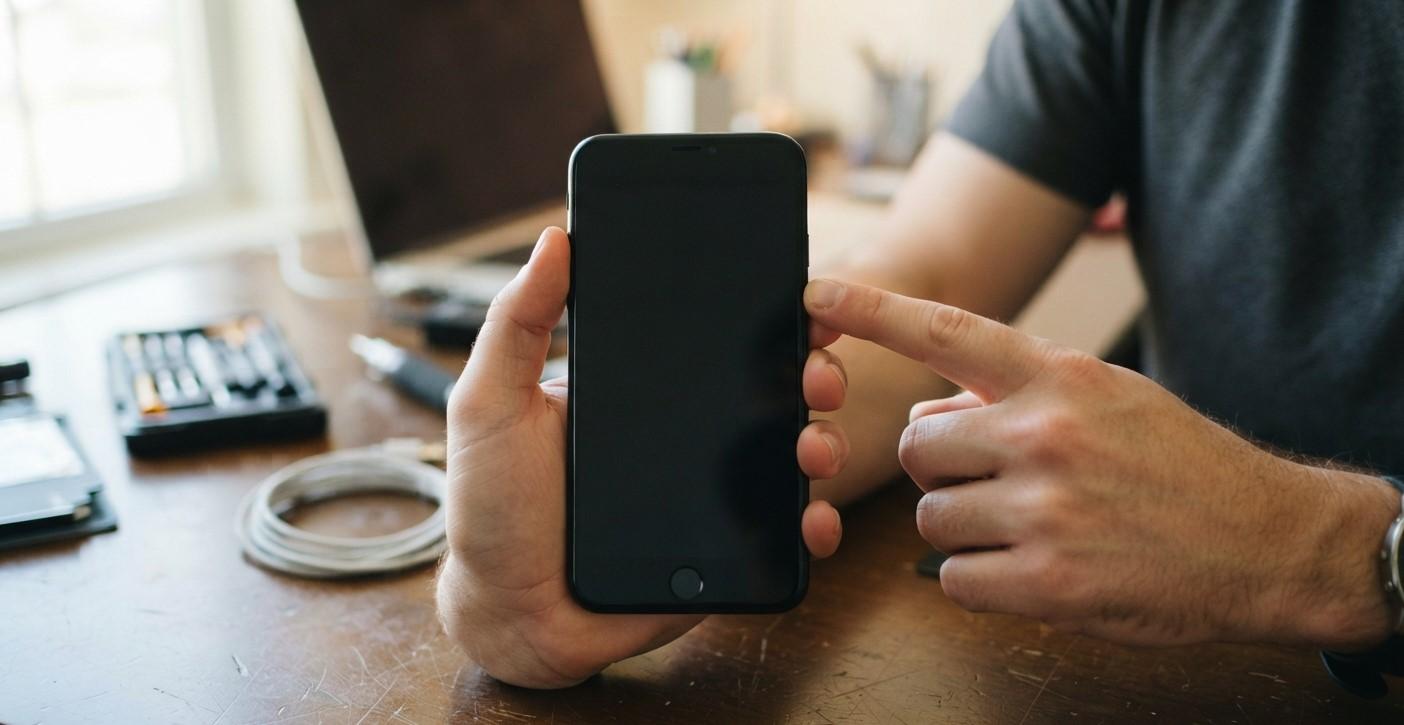
A smartphone with a black screen can be extremely frustrating, especially when you know the phone should still be working. You may hear notifications, feel vibrations, or even hear incoming calls, but the display remains completely dark. In other cases, the phone may appear to be completely unresponsive, making it difficult to determine whether the problem is the screen, battery, software, or another internal component.
A black screen does not always mean that the smartphone is permanently damaged. Temporary software problems, a drained battery, system crashes, display connection issues, physical damage, and overheating can all cause the screen to stop displaying information. Some problems can be resolved with simple troubleshooting, while others require professional inspection.
Before replacing the phone, it is worth identifying what is actually causing the black screen. Paying attention to what happened before the problem started can provide useful clues. For example, a black screen after a drop may point toward physical damage, while a black screen immediately after an app or system update may suggest a software issue.
If you are searching for iphone repair near me because your iPhone display suddenly stopped working, basic troubleshooting may help determine whether the issue is temporary. Customers dealing with cracked, damaged, or unresponsive displays may also search for phone screen repair near me when professional assistance is needed.
Check Whether the Phone Is Actually Turned On
The first step is to determine whether the phone itself is running or whether the entire device has shut down.
Try pressing the power button. Listen for sounds, vibrations, notification alerts, or incoming call activity. You can also try calling the phone from another device.
If the phone rings or vibrates but the display remains black, the device may still be operating. This can indicate a problem involving the screen, display connection, brightness system, or related hardware.
If there is no response at all, the battery may be completely discharged, or the phone could have experienced a more serious software or hardware problem.
Charge the Phone for a While
A completely depleted battery can make a smartphone appear to have a dead screen.
Connect the phone to a reliable charger and leave it connected for at least several minutes. If possible, use a charger and cable that you know work correctly with another compatible device.
Look for charging indicators, vibration, sounds, or other signs that the phone is receiving power.
If the battery was deeply discharged, the phone may not immediately show anything on the display. Give it some time before attempting to turn it on again.
If the device still shows no signs of life after charging, continue with the next troubleshooting steps.
Check the Charging Cable and Adapter
Sometimes the black screen is simply the result of a phone that is not actually charging.
A damaged charging cable, faulty adapter, dirty charging port, or damaged power source can prevent the battery from receiving enough power.
Try another compatible cable and charging adapter. You can also test a different power outlet.
If the phone begins responding after changing the charging equipment, the original charger or cable may have been responsible.
If the charging port appears damaged, loose, or filled with debris, avoid forcing the cable into it. A damaged port may require professional attention.
Perform a Forced Restart
A software crash can cause a smartphone's display to become completely unresponsive. In some cases, a forced restart can restore normal operation.
The exact button combination depends on the smartphone model and operating system. Follow the manufacturer's recommended procedure for your particular device.
A forced restart does not normally erase your personal data. Instead, it interrupts the current system state and starts the device again.
If the screen returns after the forced restart, the problem may have been caused by a temporary software failure.
However, if the black screen keeps returning, additional troubleshooting may be necessary.
Check for Signs of Physical Damage
Think about whether the phone was recently dropped, stepped on, bent, or exposed to liquid.
A smartphone can develop display problems after an impact even when the glass looks relatively normal. Internal components or display connections can be affected without obvious external cracks.
Liquid exposure can also cause display and internal component problems. Corrosion may develop over time, meaning a phone can appear normal immediately after exposure and develop problems later.
If the black screen began after physical or liquid damage, avoid repeatedly attempting to restart the phone. Professional inspection may help prevent additional damage.
Increase the Screen Brightness
Although it may seem unlikely, extremely low brightness can sometimes make a display appear almost completely black.
If you can interact with the phone but cannot clearly see the display, try increasing the brightness using the phone's controls or quick settings.
However, if the display is completely black and does not show anything at all, brightness is unlikely to be the main cause.
Some phones may also experience display problems related to automatic brightness sensors or software settings.
Check Whether the Phone Is Overheating
Excessive heat can cause smartphones to reduce performance or shut down certain functions temporarily.
If the phone became extremely hot before the screen went black, allow it to cool down naturally in a safe location.
Do not place a hot smartphone in a refrigerator or freezer. Rapid temperature changes can create additional problems.
Once the device has cooled, try turning it on again.
If overheating happens repeatedly, especially during normal use, the underlying cause should be investigated. Battery problems, demanding applications, charging issues, or internal hardware faults may contribute to excessive heat.
Connect the Phone to a Computer
If your smartphone's display is black but the device is still operating, connecting it to a computer may provide useful information.
Depending on the device, the computer may recognize the phone even though the display is not working.
This can help confirm that the phone itself is still functioning and that the problem may be concentrated around the display or user interface.
However, access to personal files may depend on whether the phone was previously trusted by the computer and whether the device can be unlocked.
Do not assume that a computer connection will automatically recover all data.
Check Whether the Touchscreen Still Responds
A black display and a non-working touchscreen can occur together, but they can also be separate problems.
If the phone produces sounds or vibrations but the screen remains dark, try interacting with familiar areas of the display. If you can trigger sounds, calls, or other responses without seeing the screen, the phone may still be operating.
This can provide an important clue that the issue involves the display rather than the entire device.
If the display has visible cracks, dark spots, flickering, lines, or areas that stopped responding before becoming completely black, physical screen damage becomes more likely.
Consider a Software Problem
A black screen can sometimes result from a software crash or operating system problem.
If the issue began after installing an application, updating the operating system, or changing system settings, software may be involved.
A forced restart is the first step to try. If the phone repeatedly displays a black screen during startup, recovery or diagnostic options may be available depending on the device.
Before performing a factory reset, make sure you understand that it can erase personal data. If important information is stored on the phone and you cannot access it, professional assistance may be safer than immediately resetting the device.
When a Black Screen May Indicate a Display Problem
If the phone continues operating while the screen remains black, the display itself may be damaged or disconnected.
Possible causes include:
- Cracked or damaged display components
- Internal display connection problems
- Impact damage
- Liquid exposure
- Display hardware failure
- Backlight-related problems on supported displays
- Other internal component faults
A screen can fail even when the phone's other functions continue working normally.
This is one reason it is important to distinguish between a phone that is completely dead and a phone that is operating with a non-functional display.
When Should You Seek Professional Repair?
Professional inspection may be appropriate if basic troubleshooting does not restore the screen.
Consider seeking assistance when:
- The screen remains black after charging.
- A forced restart does not work.
- The phone vibrates or rings but shows no display.
- The phone was recently dropped.
- The device was exposed to liquid.
- The screen has cracks or visible damage.
- The phone overheats frequently.
- The display repeatedly goes black during normal use.
- The device has other hardware problems.
A professional can examine the phone and determine whether the issue involves the display, battery, charging system, software, or another internal component.
For customers searching for Mobile Repair Albany, professional smartphone repair can be a practical option when basic troubleshooting does not resolve a persistent black-screen problem.
How to Prevent Future Black Screen Problems
Not every display failure can be prevented, but careful smartphone maintenance can reduce certain risks.
Use a protective case and screen protector to reduce the effects of accidental drops. Keep your phone away from excessive heat and moisture, and use reliable charging accessories.
Keep the operating system and applications updated to reduce software-related problems.
It is also important to maintain regular backups. If a display suddenly fails, having your important photos, contacts, documents, and other information safely backed up can make the situation much easier to manage.
Final Thoughts
A smartphone that keeps showing a black screen can have several possible causes. A completely drained battery, faulty charger, temporary software crash, overheating, physical damage, or display failure can all produce similar symptoms.
Start with basic steps such as charging the phone, checking the charging equipment, performing a forced restart, and looking for signs that the phone is still operating. If the device rings or vibrates while the display remains black, the problem may be more closely related to the screen or another display component.
If basic troubleshooting does not work, professional diagnosis can help identify the actual cause without unnecessary repairs or replacement. Whether you are searching for Mobile Repair Albany, iphone repair near me, or phone screen repair near me, understanding the symptoms can help you choose the appropriate next step and get your smartphone functioning normally again.
- Managerial Effectiveness!
- Future and Predictions
- Motivatinal / Inspiring
- Fitness and Wellness
- Medical & Health
- Manufacturing
- Education
- Real-Estate
- Food Industry
- Hospitality
- Online Games
- Sports
- Home Services
- Civil Engineering
- Safety and Protection
- Software Products & Services
- Fashion and Jewellery
- Artificial Intelligence
- Entrepreneurship
- Mentoring & Guidance
- Marketing
- Networking
- HR & Recruiting
- Literature
- Shopping
- Career Management & Advancement