

 SkillClick
Top Disk Drill Alternatives to Recover Lost Files
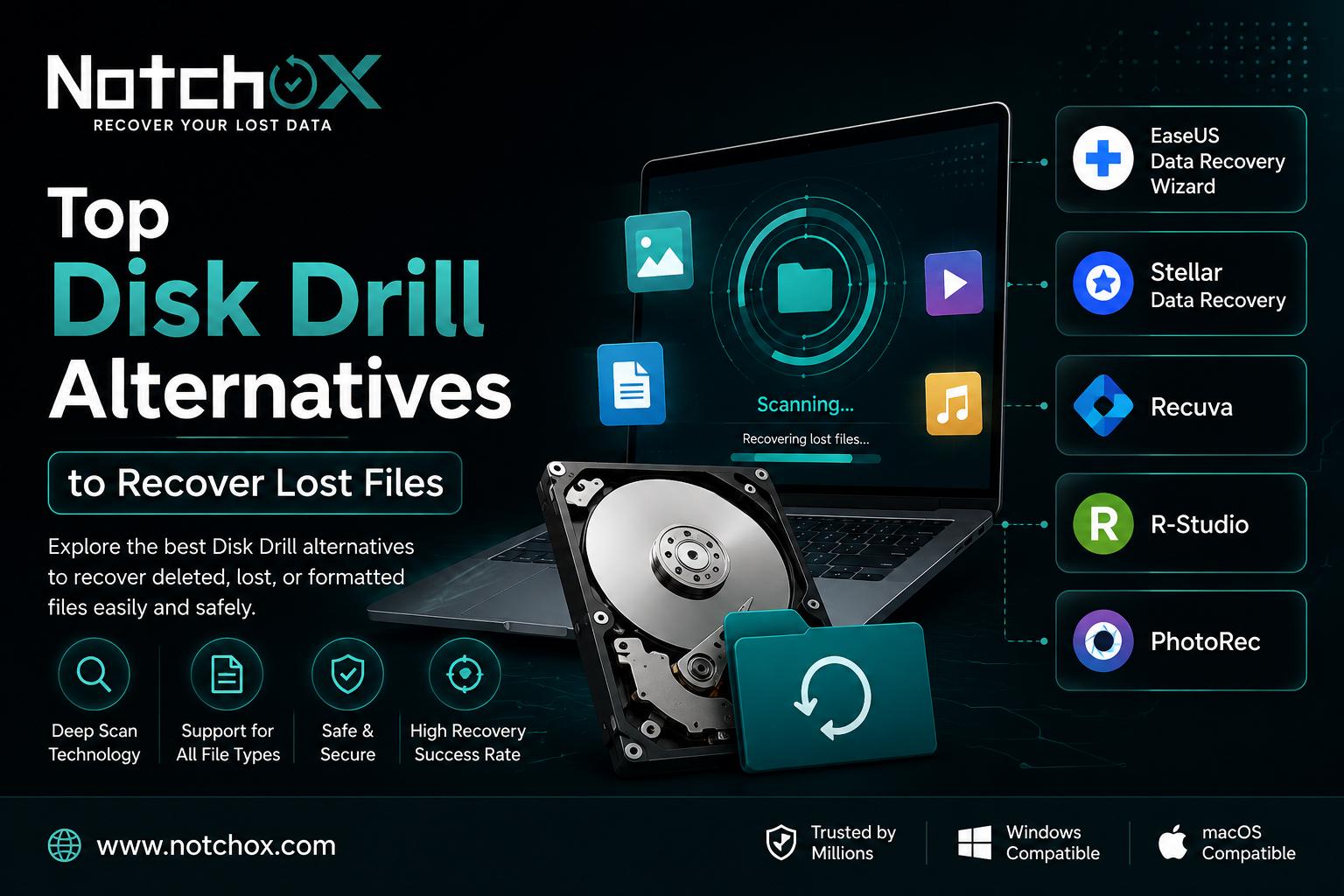
Disk Drill is a highly popular tool that can be used on multiple devices if you are interested in recovering lost data. However, it is not possible that the tool works every single time for you, which is why it is always beneficial for people to know about a few other tools that they can use to easily restore their lost, deleted, or corrupted data.
So, if you are interested in learning about the best Disk Drill Alternatives, then this guide will present you with the best tools that you can use to recover your data without any challenges.
Exploring the top alternatives to Disk Drill
It can be difficult for people to choose one software or tool out of the different available options on the internet, which is why we are here to make your task easier. We are mentioning the best alternatives to Disk Drill that can be utilized in case of lost data to recover it with ease.
1. DiskGenius
DiskGenius is one of the best alternatives to Disk Drill if you want versatility or you care more about recovery and repair capability than anything else. In what is kind of both its major pro and con at the same time, DiskGenius comes with a bunch of extra tools, and also all the functionality you could ever need to pull data from almost any storage device, under most data loss situations.
It also lets you keep an eye on S.M.A.R.T. status, migrate your operating system to another drive, save and restore partition tables, adjust partition categories, and more.
2. R-Studio
R-Studio works similarly, though through a simple line of questions, most users can quickly realize that it is one of the most advanced data recovery tools they could buy, but it is also quite possible not the best option for them. It shines with complicated recovery jobs, yes, but it can also swamp the newcomer, someone who doesn’t actually need advanced features and isn’t comfortable with the data recovery vocabulary.
3. UFS Explorer
Then there is UFS Explorer, a strong contender for the top spot, trying to do the kind of thing that sounds almost impossible: give you a feature set that matches, or even goes beyond, R-Studio, but keep the interface much more streamlined. In some ways it does succeed, like when it provides deeper RAID recovery options than RStudio. However, in other ways it falters. The app can handle encrypted and damaged drives, and it supports nearly all common file systems on Windows, macOS, and Linux.
4. Recuva
As evident by how popular it is, Recuva is the best free solution for basic data recovery tasks. It’s friendly for newcomers and makes recovering files almost as straightforward as copying files between two devices.
Still, that ease is because Recuva doesn’t really include any advanced functionality that could make the process harder or messier. With Recuva, you just select the drive you want to recover from, run a scan, and then pick what to restore.
If you are interested in browsing through more options, then we also recommend using the website Notchbox.
- Managerial Effectiveness!
- Future and Predictions
- Motivatinal / Inspiring
- Fitness and Wellness
- Medical & Health
- Manufacturing
- Education
- Real-Estate
- Food Industry
- Hospitality
- Online Games
- Sports
- Home Services
- Civil Engineering
- Safety and Protection
- Software Products & Services
- Fashion and Jewellery
- Artificial Intelligence
- Entrepreneurship
- Mentoring & Guidance
- Marketing
- Networking
- HR & Recruiting
- Literature
- Shopping
- Career Management & Advancement