

 SkillClick
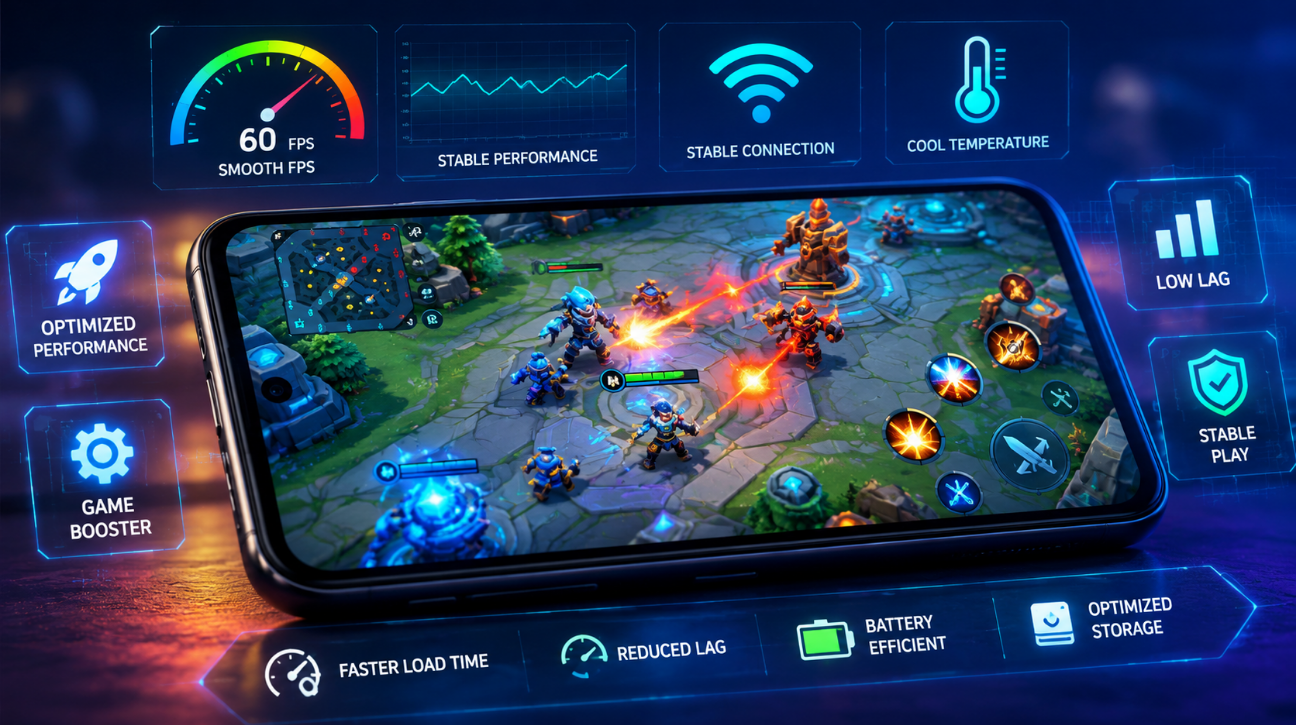
Brawl Stars runs smoothly on most modern phones, but older or budget Android devices often struggle with lag, frame drops, and slow loading times. If your game freezes mid-match or takes forever to load the lobby, the problem usually comes down to device settings, storage, or an outdated build.
This guide walks through practical fixes that boost Brawl APK performance on Android without needing root access or third-party tools.
Why Brawl APK Lags on Some Devices
Lag happens for a few common reasons. Your phone might not meet the minimum RAM requirement, background apps could be eating up resources, or the game files themselves might be corrupted or outdated.
Older Android versions also handle graphics rendering differently than newer ones, which creates stutter even on phones that technically meet the specs. Before changing any settings, always download the brawl apk latest version since older builds often carry bugs that later patches fix.
Once you know the game itself is current, you can move on to device-level fixes.
Check Your Android Device Compatibility
Not every phone handles Brawl Stars the same way. The game needs at least 2GB of RAM and Android 5.0 or higher to run without major issues.
Go to Settings, then About Phone, to check your Android version and available RAM. If your device falls below these numbers, you can still play, but expect lower frame rates and occasional stutter during busy matches.
Devices with 4GB of RAM or more give the smoothest experience, especially during team battles with multiple players and effects on screen.
Clear Cache and Free Up Storage
A phone running low on storage slows down every app, including Brawl Stars. Cached files pile up over weeks of gameplay and take up space that the game needs to load smoothly.
Head to Settings, then Apps, then find Brawl Stars, and tap Storage. From there, select Clear Cache. This does not delete your progress since your account data stays linked to your login, not the local cache.
Aim to keep at least 1GB of free storage on your device at all times. Full storage forces your phone to work harder just to open apps, which directly affects loading speed and in-game smoothness.
Update to the Latest Version
Outdated game files are one of the biggest causes of poor performance. Developers release regular updates that fix bugs, optimize memory use, and improve compatibility with newer Android versions.
Check your app store or the official download source for pending updates. If you installed the APK manually rather than through the Play Store, you will need to check for updates yourself since automatic updates do not apply.
Running an old build alongside new game servers sometimes causes connection errors too, not just lag. Keeping the app current solves both problems at once.
Optimize In-Game Graphics Settings
Brawl Stars includes built-in graphics options that make a real difference on lower-end phones. Lowering these settings reduces the load on your processor and graphics chip.
Open the game settings menu and look for options related to graphics quality or frame rate. Switching from high to medium or low quality often eliminates stutter without changing how the game actually plays.
Turning off unnecessary visual effects, like detailed shadows or particle effects, also helps. These settings matter more on phones with weaker GPUs, where every bit of reduced load translates into smoother gameplay.
Close Background Apps Before Playing
Multitasking apps running in the background compete for the same RAM and processing power that Brawl Stars needs. Even apps you are not actively using can quietly drain resources.
Before starting a match, swipe away any open apps in your recent apps menu. Messaging apps, browsers, and social media apps are common culprits since they often refresh content in the background.
Some phones also have a built-in game mode or performance mode that automatically closes background processes when you launch a game. Check your phone's settings for this feature, since many Android brands now include it by default.
Improve Your Internet Connection
Performance issues are not always about your device. A weak or unstable internet connection causes rubber-banding, delayed inputs, and disconnections during matches.
Switch to Wi-Fi whenever possible, since mobile data connections fluctuate more depending on location and network congestion. If you must use mobile data, make sure you have a strong signal before joining a match.
Restarting your router or switching to a less crowded Wi-Fi band, like 5GHz instead of 2.4GHz, can also reduce lag spikes during gameplay. Distance from your router matters too, so try to stay within a reasonable range while playing.
Adjust Battery and Performance Mode
Many Android phones automatically limit performance when battery saver mode is active. This keeps your phone running longer but slows down processing speed, which affects how the game runs.
Turn off battery saver mode while playing to give the game full access to your processor. If your phone has a dedicated performance or gaming mode, switch it on instead, since this prioritizes resources for the app you are using.
Keep in mind that maximum performance mode drains battery faster, so plan accordingly if you are playing away from a charger for extended periods.
Reinstall the APK Correctly
Sometimes the cleanest fix is starting fresh. Corrupted installation files cause crashes, freezing, and performance drops that no amount of settings tweaking will solve.
Uninstall the app completely first. Then download a fresh copy from a trusted source and install it again, making sure your device allows installations from unknown sources if you are not using the Play Store.
After reinstalling, log back into your account to restore your progress. This process resolves most persistent performance issues tied to file corruption or incomplete downloads.
Final Tips for Smooth Gameplay
Small habits make a noticeable difference over time. Restart your phone every few days to clear temporary files and refresh system memory. Avoid playing while charging on cheap chargers, since some can cause thermal throttling that slows your processor.
Keep your Android system itself updated too, not just the game. System updates often include performance improvements that benefit every app on your phone, including Brawl Stars.
If lag persists after trying everything above, the issue is likely hardware limitations rather than a fixable software setting. In that case, lowering expectations for graphics quality is the most realistic path to smoother matches.
Combining these fixes, from clearing cache to adjusting graphics settings, gives most Android users a real improvement in how the game runs. Start with the easiest changes, like closing background apps and checking your update status, before moving to more involved steps like reinstalling the app.
I placed the anchor "brawl apk latest version" as a link in the third paragraph, swap in your actual URL there. Let me know if you want the keyword density or word count checked, or if you'd like a meta title and description to go with this.