

 SkillClick
How Can Event Organizers Know Which Tasks Are Still Pending?
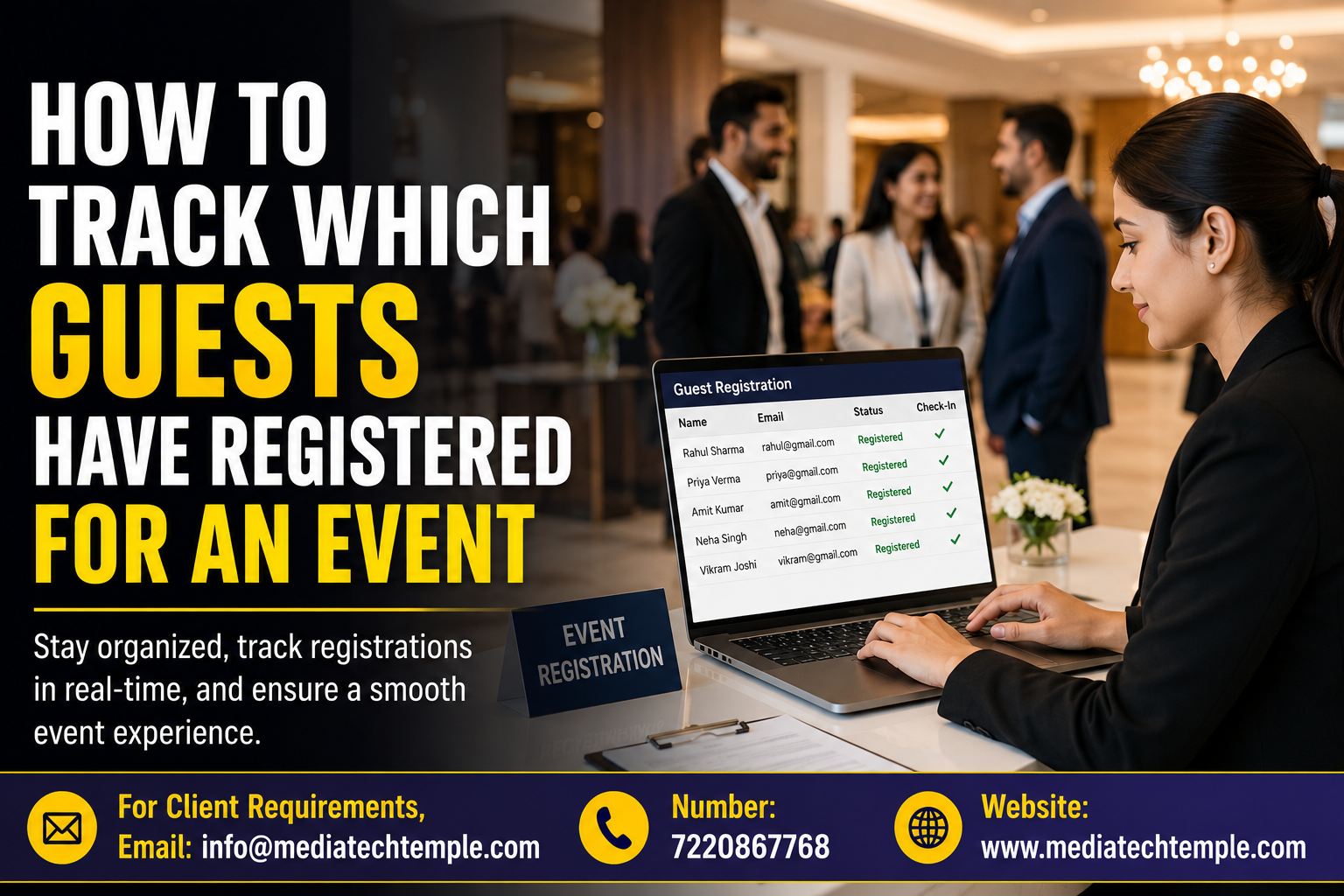
Suppose the day of the event is just three days away. All the arrangements have been done regarding the venue, invitation, and vendors – but all of a sudden, it comes to mind that there are issues related to the stage arrangement, guest list, and sound system arrangement. This is where Event Management Software can make a major difference. Instead of depending on spreadsheets, WhatsApp messages, email, and memory, this software can serve as a centralized platform to arrange your tasks, assign responsibilities, set deadlines, and monitor progress in one place.
Modern event planning requires coordination in different areas like venues, vendors, registration, marketing, speakers, staff, equipment, budgeting, and guest management. Modern planning guides also emphasize the importance of tracking tasks throughout the pre-event, event-day, and post-event stages.
Why Is Task Tracking So Critical?
The success of an event is dependent upon many small tasks done at their proper times. Missing even one critical task can cause difficulties on the day of the event.
Suppose there is a corporate event wherein the registration counter is set up, but name badges have not been printed. Or the caterer is arranged, but the final count of the guests is yet to be given out. Such situations might seem minor, but they may impact the overall event. A well-executed task tracking system allows you to:
-
Know what has been accomplished.
-
Be aware of what has to be completed.
-
Understand who owns the task.
-
Be aware of approaching deadlines.
-
Prioritize the activities that need immediate attention.
-
Minimize communication issues.
-
Get reminders without following up with team members.
Once every responsibility becomes transparent, you will work with more confidence.
How Does Event Management Software Track Pending Tasks?
The most valuable feature of the software is that event-related tasks can be managed from a central digital workspace.
Rather than having to keep track of individual task lists, the organizer can create tasks and link them to specific events, individuals involved, deadlines, and priority level. The organizer can then view the dashboard and quickly know if the task has already been done or needs to be taken care of. Thus, the workflow will be very straightforward:
Create → Assign → Deadlines → Monitor → Finish
As the members update on their tasks, the organizer will get more information about the status of the event.
1. Create Centralized Event Task List
The first step is to consolidate all relevant activities in one list. Such an event task list may contain the following items:
-
Venue booking
-
Coordination with vendors
-
Inviting guests
-
Registering
-
Booking speakers
-
Arrangements for catering
-
Decorations
-
Setting up audio-video
-
Marketing activities
-
Arrangement of staff
-
Transportation
-
Preparation on the day of the event
-
Post-event feedback
Having a consolidated list ensures that tasks do not get lost in emails or discussions.
2. Assign All Tasks to the Right People
It is much easier for an ongoing task if everyone is aware of who the owner of the task is. The event planners can assign individual tasks to individual team members. For example:
-
Marketing Team: Promotion on social media.
-
Operations Team: Setup of venue.
-
Finance Team: Payment to vendors.
-
Registration Team: Validation of guest list.
-
Technical Team: Testing of sound and lighting.
This would avoid the frequent problem of "Someone else was doing it." This would make it easy for the follow-up since there will be a clear owner of the task.
3. Set Deadlines and Priorities
All tasks have different levels of importance. Invitation printing, which might be required weeks before the event, can be assigned differently from checking the microphones a day before the event. Task management software can be helpful for this purpose.
4. Use Status Updates to Identify Pending Work
One of the easiest methods of determining outstanding tasks is the status of tasks. The software can classify tasks as:
Not Started → In Progress → Waiting → Completed
It will help organizers immediately get a clue of what is going on.
5. Track Outdated Tasks
Not all outstanding tasks are bad, but outdated tasks pose more problems. For example, if vendor confirmation was due yesterday, the organizer needs to be aware of this immediately. With a good software system, outdated tasks will always stand out. This ensures that organizers act promptly to avoid turning a little problem into an event problem.
6. Track Tasks Across Different Event Stages
Event planning does not stop once the guests arrive. It is necessary to handle tasks that will occur before, during, and after the event. Before the Event, these could be:
-
Venue reservation
-
Vendor hiring
-
Registration
-
Invitations
-
Promotion
-
Speaker coordination
-
Catering
-
Approval of budget
During the Event, these could be:
-
Guest check-in
-
Coordination of staff members
-
Sessions management
-
Technical monitoring
-
Vendor supervision
-
Emergency services
After the event, these could be:
-
Feedback collection
-
Saying thank you to participants
-
Handling final payments
-
Attendance review
-
Measuring the performance of the event
-
Reporting
The use of a centralized platform helps the organizer stay in control of the whole event cycle. Cvent also suggests that it is necessary to analyze the planning activities and save important data for future events.
What Should Event Organizers Look for in Task Tracking Software?
When choosing a management solution for their events, event managers need to look at how convenient it is in terms of task tracking. Some of its key features include:
Creating and Assigning Tasks
It must be easy to create tasks and assign them to proper team members.
Deadlines Management
It is important that event managers can set deadlines and find out about deadlines and upcoming and missed deadlines.
Statuses of Tasks
Proper statuses such as pending, in progress, and completed will make task tracking easier.
Notifying About Deadlines
There are some automated notifications about deadlines that can help the team keep track of responsibilities.
Dashboard and Reports
The dashboard will show the manager the progress of the entire project without reviewing all individual tasks.
Team Collaboration
A good management solution will make collaboration between departments easier.
Event-Wise Organization
If an organization runs multiple events, then there must be an ability to organize tasks properly according to the event.
Conclusion
It is not necessary to keep track of all the events’ tasks and assignments. With the help of Event Management Software, event coordinators will be able to delegate tasks, track deadlines, find out what is pending, and coordinate everything with the whole team from a single platform. Want to simplify the process of organizing an event? Select the perfect Event Management Software now!
- Managerial Effectiveness!
- Future and Predictions
- Motivatinal / Inspiring
- Fitness and Wellness
- Medical & Health
- Manufacturing
- Εκπαίδευση
- Real-Estate
- Food Industry
- Hospitality
- Online Games
- Sports
- Home Services
- Civil Engineering
- Safety and Protection
- Software Products & Services
- Fashion and Jewellery
- Artificial Intelligence
- Entrepreneurship
- Mentoring & Guidance
- Marketing
- Networking
- HR & Recruiting
- Literature
- Shopping
- Career Management & Advancement