

 SkillClick
Creating a Professional Client Documentation Process
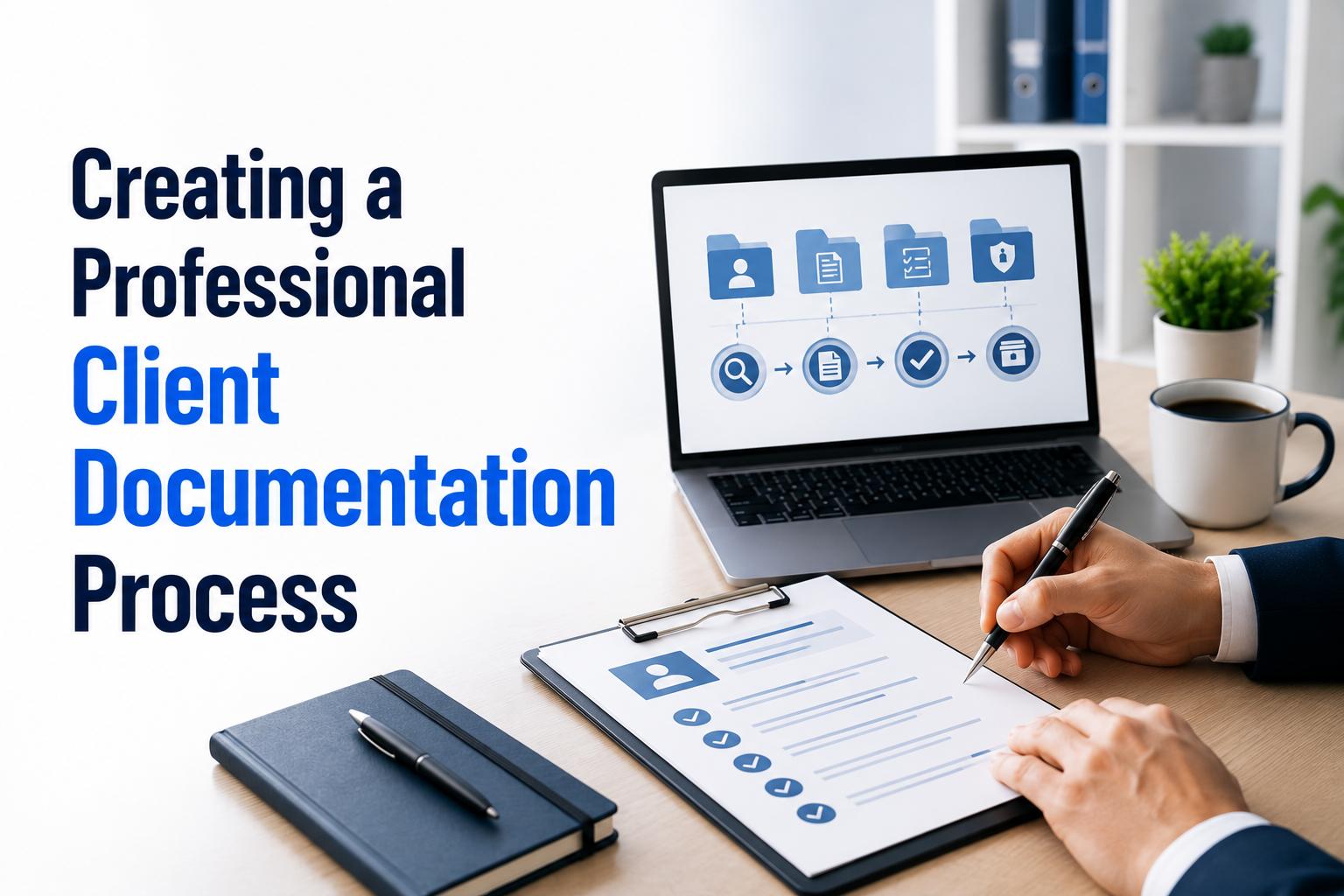
Every successful business depends on clear communication, organized records, and efficient workflows. Whether you're a freelancer, startup founder, consultant, or growing company, having a professional client documentation process can improve productivity, reduce misunderstandings, and strengthen client relationships.
Many businesses still rely on scattered files, email threads, or manually created documents, making it difficult to track important information. Today, digital solutions make it easier to Start Creating Business Documents that are consistent, professional, and easy to manage.
A well-structured documentation process ensures every client interaction-from proposals and quotations to invoices and agreements-is organized and accessible. In this guide, we'll explore why client documentation matters, what documents every business should maintain, and how to create a streamlined documentation workflow.
Why a Professional Documentation Process Matters
Client documentation is much more than keeping files in folders. It creates a standardized system that helps businesses deliver consistent service while minimizing errors.
A professional documentation process offers several benefits:
- Improves communication
- Saves time
- Reduces paperwork
- Builds customer confidence
- Simplifies record management
- Supports compliance requirements
- Creates a professional brand image
When documents are well organized, employees spend less time searching for information and more time focusing on delivering value to clients.
What Is Client Documentation?
Client documentation includes every document exchanged during the customer relationship. These records help businesses monitor projects, payments, approvals, and communication.
Common client documents include:
- Business proposals
- Quotations
- Contracts
- Service agreements
- Purchase orders
- Invoices
- Receipts
- Project reports
- Meeting notes
- Payment records
Maintaining these documents in a structured system improves transparency and accountability.
Key Benefits of Organized Client Documentation
Better Communication
Clear documentation ensures everyone involved understands project expectations, pricing, timelines, and responsibilities.
Written records reduce misunderstandings and make future discussions easier.
Faster Access to Information
Businesses often need to retrieve documents quickly when answering customer questions or reviewing previous projects.
A centralized documentation process allows employees to locate important files within seconds instead of searching through emails or multiple folders.
Improved Professionalism
Well-designed business documents leave a positive impression on clients.
Professional quotations, contracts, invoices, and reports demonstrate attention to detail and reinforce your company's credibility.
Clients are more likely to trust businesses that present organized and consistent documentation.
Reduced Errors
Manual document creation often leads to mistakes such as:
- Incorrect client information
- Pricing errors
- Missing terms
- Duplicate documents
Using standardized templates helps minimize these issues and improves overall accuracy.
Essential Documents Every Business Should Maintain
Every organization has different documentation needs, but some records are essential regardless of industry.
Client Information Forms
Maintain accurate records including:
- Client name
- Company name
- Contact details
- Billing address
- Project information
Keeping this information updated simplifies future communication.
Business Proposals
A proposal outlines your services, pricing, project scope, and expected outcomes.
A clear proposal helps clients understand exactly what you're offering before work begins.
Quotations
Quotations provide estimated costs for products or services.
Professional quotations should include:
- Item descriptions
- Pricing
- Taxes (if applicable)
- Validity period
- Terms and conditions
Contracts and Agreements
Contracts protect both businesses and clients by defining:
- Project scope
- Deliverables
- Payment schedules
- Responsibilities
- Confidentiality terms
Written agreements reduce disputes and clarify expectations.
Invoices and Payment Records
Accurate invoices are essential for financial management.
Businesses should maintain organized records of:
- Issued invoices
- Payment receipts
- Outstanding balances
- Payment confirmations
Proper invoice management improves cash flow and accounting accuracy.
Steps to Build a Professional Client Documentation Process
Creating a documentation system doesn't need to be complicated. Following a structured approach helps businesses stay organized from the beginning.
Step 1: Identify Required Documents
Start by listing every document your business uses throughout the customer journey.
For many businesses, this includes:
- Proposal
- Quotation
- Agreement
- Invoice
- Receipt
- Project completion report
Understanding your documentation needs helps create a complete workflow.
Step 2: Create Standard Templates
Instead of designing every document from scratch, develop reusable templates with consistent formatting.
Templates should include:
- Company logo
- Business information
- Contact details
- Standard terms
- Professional layout
Standardization saves time while maintaining a consistent brand image.
Step 3: Organize Documents Properly
Create a logical filing system using categories such as:
- Client name
- Project name
- Document type
- Year
- Status
A clear folder structure makes documents easy to locate whenever needed.
Step 4: Review Before Sharing
Before sending any document to a client, verify:
- Client details
- Pricing
- Dates
- Contact information
- Terms and conditions
A quick review prevents mistakes and reinforces professionalism.
Step 5: Store Documents Securely
Client records often contain sensitive business information.
Store documents securely and limit access to authorized team members.
Digital document management also helps reduce paper clutter while improving accessibility.
Best Practices for Managing Client Documentation
Having a documentation process is only the first step. To get the most value from it, businesses should follow best practices that improve efficiency and maintain consistency.
Standardize Every Document
Every client-facing document should follow the same branding and formatting. Consistency creates a professional image and makes documents easier to understand.
Your templates should include:
- Company logo
- Business name
- Contact information
- Consistent fonts and colors
- Document title
- Date
- Reference number
Standardized documents also reduce the chances of missing important information.
Keep Documents Updated
Business information changes over time. Pricing, policies, payment terms, and contact details should be reviewed regularly.
Using outdated templates can create confusion and affect customer trust.
Schedule periodic reviews to ensure every document reflects your latest business information.
Use Clear and Simple Language
Avoid complicated legal or technical language unless it is necessary.
Clients appreciate documents that are:
- Easy to read
- Well organized
- Free from unnecessary jargon
- Clearly structured
Simple language reduces misunderstandings and improves communication.
Maintain Version Control
As projects progress, documents may be revised several times.
Instead of replacing old versions, maintain proper version history.
This allows your team to:
- Track updates
- Review previous agreements
- Resolve disputes
- Monitor project changes
Version control is especially important for proposals, contracts, and project documentation.
Common Documentation Mistakes Businesses Should Avoid
Even businesses with established processes sometimes make documentation errors. Recognizing these common mistakes can help improve accuracy and efficiency.
Inconsistent Templates
Using different formats for quotations, invoices, and agreements creates an unprofessional appearance.
Standard templates help maintain consistency across all client communications.
Missing Important Details
Incomplete documents often lead to delays and misunderstandings.
Before sending any document, verify:
- Client information
- Pricing
- Dates
- Payment terms
- Project scope
- Contact details
A simple review checklist can prevent costly mistakes.
Poor File Organization
Saving documents with unclear file names or in random folders makes retrieval difficult.
Use a consistent naming convention such as:
- ClientName_Project_DocumentType_Date
This approach keeps records organized and easy to locate.
Delayed Documentation
Waiting too long to prepare proposals, quotations, or invoices can slow business operations and affect customer satisfaction.
Creating documents promptly helps maintain smooth workflows and improves communication.
How Digital Document Generators Improve Efficiency
Modern businesses increasingly rely on digital tools to simplify document creation and management.
Instead of preparing every document manually, organizations can use document generators to automate repetitive tasks.
Digital document generators offer several benefits:
Save Time
Ready-made templates reduce the time required to prepare proposals, quotations, invoices, and agreements.
Improve Accuracy
Automation reduces manual data entry and calculation errors, helping maintain professional-quality documents.
Maintain Consistency
Every document follows the same branding and formatting, strengthening your business identity.
Simplify Collaboration
Digital documents are easier to review, edit, and share among team members, improving collaboration and reducing communication delays.
Why Documentation Is Essential for Growing Businesses
As businesses expand, the number of clients, projects, and transactions increases. Without a structured documentation process, managing information becomes more difficult.
An organized documentation system helps businesses:
- Deliver faster customer service
- Track project progress
- Improve financial management
- Reduce administrative workload
- Support business growth
Professional documentation also creates confidence among clients, partners, and investors.
Tips for Building a Scalable Documentation Workflow
To keep your documentation process efficient as your business grows:
- Create reusable templates for common documents.
- Store files in organized digital folders.
- Review templates regularly.
- Train employees on documentation standards.
- Back up important business records.
- Use document automation whenever possible.
- Keep client information accurate and up to date.
These practices help ensure consistency while saving valuable time.
Frequently Asked Questions
Why is client documentation important?
Client documentation helps businesses organize information, improve communication, reduce errors, and maintain professional records throughout the customer relationship.
Which documents should every business maintain?
Most businesses should maintain proposals, quotations, contracts, invoices, receipts, project reports, and customer communication records.
How often should document templates be updated?
Templates should be reviewed whenever business information, pricing, branding, or policies change. A periodic review every few months is also a good practice.
Can document generators help small businesses?
Yes. Document generators simplify document creation, improve consistency, reduce manual work, and help small businesses present a more professional image.
Final Thoughts
A professional client documentation process is an essential part of running an organized and successful business. Standardized documents improve communication, strengthen customer relationships, and help teams work more efficiently.
Whether you're a freelancer, startup founder, or established business owner, investing in a structured documentation workflow can save time, reduce errors, and support long-term growth.
If you're ready to streamline your workflow, Business Document Generators provide an easy way to create professional business documents with consistent formatting and improved efficiency.
By adopting digital document management practices today, your business can deliver a better client experience while staying organized as it grows.
- Managerial Effectiveness!
- Future and Predictions
- Motivatinal / Inspiring
- Fitness and Wellness
- Medical & Health
- Manufacturing
- Education
- Real-Estate
- Food Industry
- Hospitality
- Online Games
- Sports
- Home Services
- Civil Engineering
- Safety and Protection
- Software Products & Services
- Fashion and Jewellery
- Artificial Intelligence
- Entrepreneurship
- Mentoring & Guidance
- Marketing
- Networking
- HR & Recruiting
- Literature
- Shopping
- Career Management & Advancement