

 SkillClick
SlideShare Downloader: What It Is, How It Works, and What to Know Before You Use One
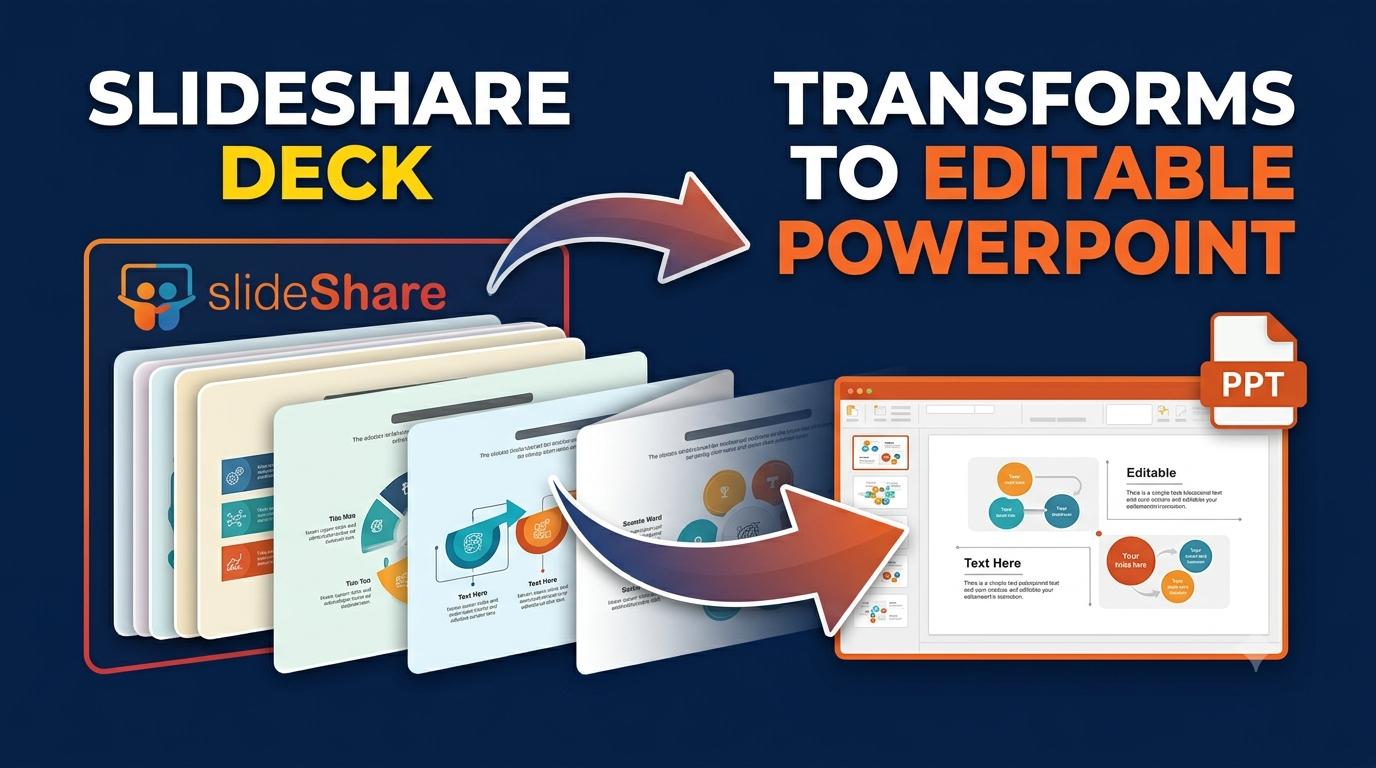
SlideShare has long been one of the internet's most popular platforms for sharing presentations, infographics, and documents. Millions of professionals, students, marketers, and educators upload their work there every year, and just as many people visit the site to learn, research, or find inspiration for their own projects. But there's one common frustration that almost every SlideShare user has faced: wanting to save a presentation for offline use, only to find that the platform doesn't always make downloading easy. This is where the idea of a "SlideShare downloader" comes in.
What Is a SlideShare Downloader?
A SlideShare downloader is a tool — usually a website, browser extension, or software application — designed to help users save SlideShare presentations directly to their device. Instead of relying on SlideShare's built-in download button (which isn't always available, since many creators choose to disable downloads), these tools attempt to extract the slides and convert them into a file format like PDF, PPT, or even individual images.
People search for SlideShare downloaders for a variety of reasons:
- Offline access: Not everyone has a stable internet connection at all times, so having a local copy of a presentation can be useful for studying or referencing later.
- Convenience: Some users prefer having files saved directly to their device rather than navigating back to a website every time they need to view something.
- Backup purposes: Content creators sometimes want a backup of their own uploaded presentations.
How These Tools Typically Work
Most SlideShare downloader tools follow a fairly simple process:
- The user copies the URL of the SlideShare presentation they want to save.
- They paste that link into the downloader tool.
- The tool processes the link and generates a downloadable file, often in PDF or image format.
Tools like Slides Extract follow this same straightforward approach — making the process quick and accessible without requiring extra software installation. Since most of these tools run directly in a browser, there's no need to install separate desktop software, which makes them appealing to casual users who just want a quick, one-time download.
Why Downloads Aren't Always Available Directly on SlideShare
It's worth understanding why SlideShare doesn't always offer a simple "Download" button. The platform allows content creators to control how their presentations are shared. Many choose to disable downloads entirely, allowing visitors to only view the content online. This is often a deliberate decision meant to protect their intellectual property, prevent unauthorized redistribution, or maintain control over how their work is used and shared.
This is an important point to keep in mind: just because a tool exists that can attempt to extract a presentation doesn't mean doing so is always appropriate. Respecting the original creator's wishes matters, and the ability to technically bypass a restriction is different from having permission to do so.
Things to Consider Before Using a SlideShare Downloader
If you're thinking about using one of these tools, here are a few points worth keeping in mind:
1. Respect copyright and ownership. Presentations on SlideShare are still the intellectual property of their creators. Downloading content that a creator has intentionally restricted from being saved can raise copyright concerns. Whenever possible, it's best to only download presentations that are explicitly marked as shareable, public domain, or that you have direct permission to save.
2. Be cautious with third-party tools. Not all downloader websites are built the same way. Some may include excessive ads, pop-ups, or even potentially unwanted software bundled into downloads. Stick to tools with a clean, straightforward interface and avoid ones that ask for unnecessary permissions or personal information.
3. Check for mobile and desktop compatibility. Many people search for SlideShare downloaders while on their phones, so it helps to know whether the tool you're using works smoothly across devices. Browser-based tools generally have an advantage here since they don't require platform-specific installations.
4. Consider why the content was restricted in the first place. If a presentation can't be downloaded, ask whether there's a legitimate reason — perhaps the creator wants to track views, control distribution, or simply prefers people engage with their work directly on the platform. There's often a better path: reaching out to the creator directly to ask for a copy, especially for educational or professional use.
Final Thoughts
The desire for offline access to useful presentations is completely understandable, and SlideShare downloader tools exist precisely because of that everyday need. However, it's important to use these tools responsibly. Only download content you have permission to access, be mindful of the platforms and websites you use, and when in doubt, reach out to the original creator.
Used thoughtfully, a SlideShare downloader can be a convenient way to keep useful, permitted content on hand — without compromising the rights of the people who created it.
- Managerial Effectiveness!
- Future and Predictions
- Motivatinal / Inspiring
- Fitness and Wellness
- Medical & Health
- Manufacturing
- EĞİTİM BİLGİLERİ
- Real-Estate
- Food Industry
- Hospitality
- Online Games
- Sports
- Home Services
- Civil Engineering
- Safety and Protection
- Software Products & Services
- Fashion and Jewellery
- Artificial Intelligence
- Entrepreneurship
- Mentoring & Guidance
- Marketing
- Networking
- HR & Recruiting
- Literature
- Shopping
- Career Management & Advancement