

 SkillClick
How to Add Videos to Amazon Product Listings to Boost Conversions and Sales in 2026
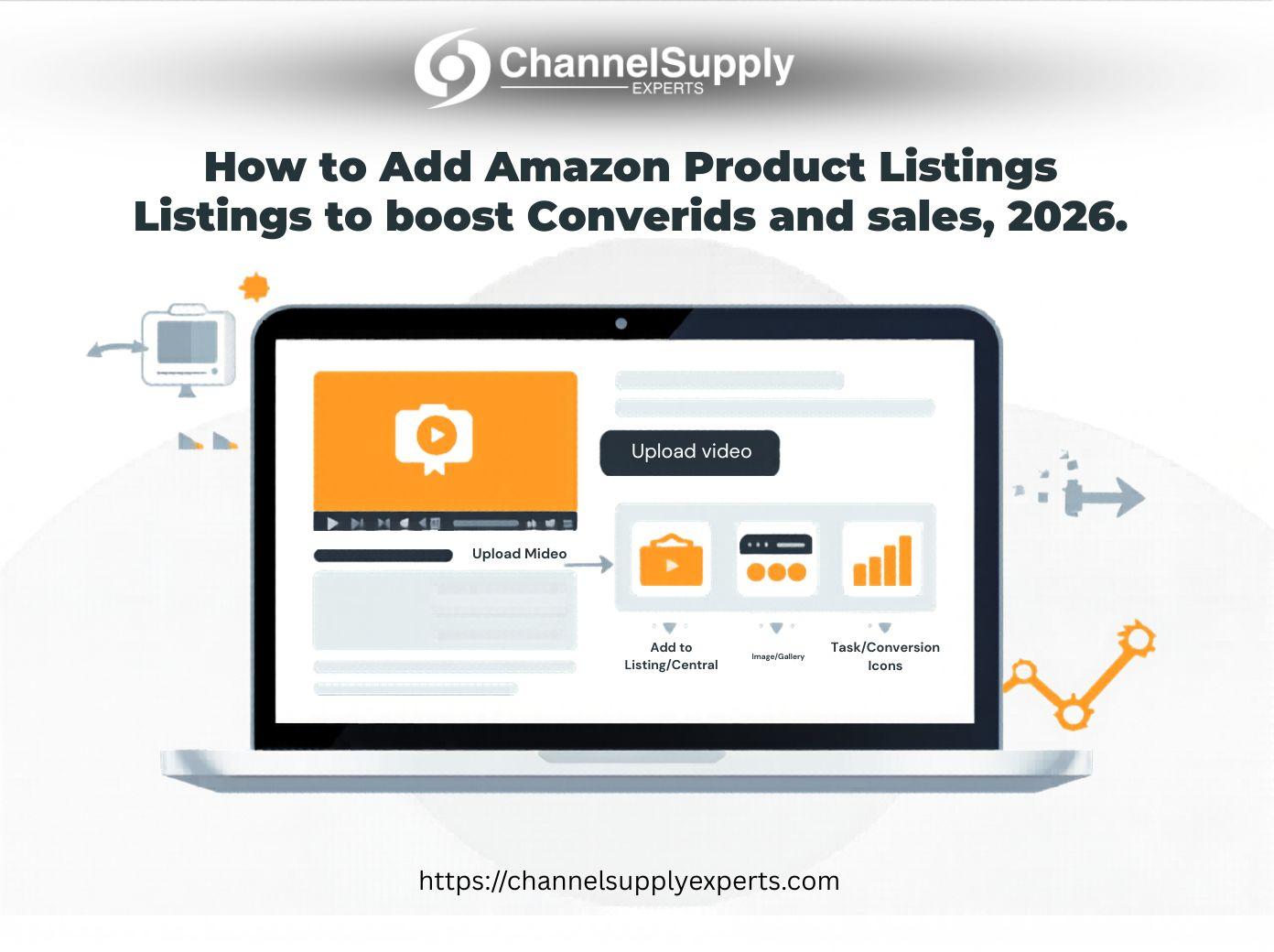
By Channel Supply Experts
In 2026, it is not only about great product images and optimized keywords to sell on Amazon. Video content is especially relevant today to make conversions, enhance engagement, and gain buyer trust.
Not using videos in your Amazon listings is like leaving money on the table.
Here are the steps we are going to take you through in this guide to add videos to the Amazon product listing and how these can be used effectively to increase your sales.
Why Product Videos Matter on Amazon
We have observed in our experience with Channel Supply Experts that listings that have high-quality videos will always do better than the ones that lack such videos.
Key Benefits:
-
Higher conversion rates – Videos help customers understand the product better
-
Lower return rates – Clear expectations reduce confusion
-
Improved engagement – Buyers spend more time on your listing
-
Better brand trust – Professional videos build credibility
In a competitive marketplace, video is no longer optional—it’s essential.
Who Can Upload Videos on Amazon?
Before adding videos, you need to meet certain requirements:
-
You must be a Brand Registered seller
-
You need access to Seller Central
-
Your product must be active and live
Once eligible, you can upload videos through your backend or A+ Content.
Step-by-Step: How to Add Videos to Amazon Product Listings
Follow these simple steps:
Step 1: Log in to Seller Central
Go to your Seller Central dashboard and navigate to:
Inventory → Manage Inventory
Step 2: Select Your Product
Find the product listing where you want to add a video.
Step 3: Upload Video
Click on “Edit” → Images tab
Here, you’ll see the option to upload a video file.
Step 4: Optimize Your Video
Make sure your video:
-
Is under 60 seconds (ideal range: 30–45 sec)
-
Clearly shows product usage
-
Highlights key benefits
-
Includes captions (many users watch without sound)
Step 5: Submit for Approval
Amazon will review your video (usually within 24–72 hours).
Once approved, it will appear on your product page.
Where Videos Appear on Amazon Listings
Your uploaded video can appear in multiple places:
-
Product image gallery
-
A+ Content section
-
Brand Store (if available)
This increases visibility and gives buyers multiple touchpoints to engage with your product.
Best Practices to Maximize Conversions
At Channel Supply Experts, we’ve tested hundreds of listings. Here’s what works best:
1. Focus on Benefits, Not Features
Show how your product solves a problem.
2. Use Real-Life Demonstrations
Demonstration videos outperform static visuals.
3. Keep It Short and Engaging
Attention spans are short—get to the point quickly.
4. Add Branding
Include your logo and consistent style to build recognition.
5. Test and Improve
Monitor performance and update videos based on results.
Real Insight from Our Experience
We worked with a Home & Kitchen seller who added optimized product videos to their listing. Within 6 weeks, they saw:
-
+28% increase in conversion rate
-
+18% growth in overall sales
The change was simple—but the impact was significant.
Common Mistakes to Avoid
-
Uploading low-quality or blurry videos
-
Ignoring mobile optimization
-
Making videos too long or boring
-
Not highlighting key product benefits
Avoiding these mistakes can make a huge difference in performance.
Conclusion
One of the most effective methods of boosting conversions and making sales in 2026 is to add videos to your Amazon product listings.
Not simply uploading a video, it is about producing quality, engaging, and customer-conversion-oriented content that directly appeals to your customers.
We assist sellers to introduce data-driven strategies, such as video optimization, to grow their Amazon business in a sustainable manner at Channel Supply Experts.
Video has to be a part of your Amazon toolbox, or you are serious about growth.
FAQs
1. Can all sellers add videos to Amazon listings?
No, only Brand Registered sellers with access to Seller Central can upload product videos.
2. What is the ideal length for an Amazon product video?
The ideal length is 30–60 seconds, focusing on key features and benefits.
3. How long does Amazon take to approve videos?
Typically, Amazon reviews and approves videos within 24–72 hours.
4. Do product videos really increase sales?
Yes, listings with videos often see higher conversion rates and better customer engagement.
5. Where do Amazon videos appear on listings?
Videos can appear in the image gallery, A+ Content section, and Brand Store, depending on your setup.
- Managerial Effectiveness!
- Future and Predictions
- Motivatinal / Inspiring
- Fitness and Wellness
- Medical & Health
- Manufacturing
- Ausbildung
- Real-Estate
- Food Industry
- Hospitality
- Online Games
- Sports
- Home Services
- Civil Engineering
- Safety and Protection
- Software Products & Services
- Fashion and Jewellery
- Artificial Intelligence
- Entrepreneurship
- Mentoring & Guidance
- Marketing
- Networking
- HR & Recruiting
- Literature
- Shopping
- Career Management & Advancement