

 SkillClick
Phone Not Ringing? Here’s How to Fix It Quickly
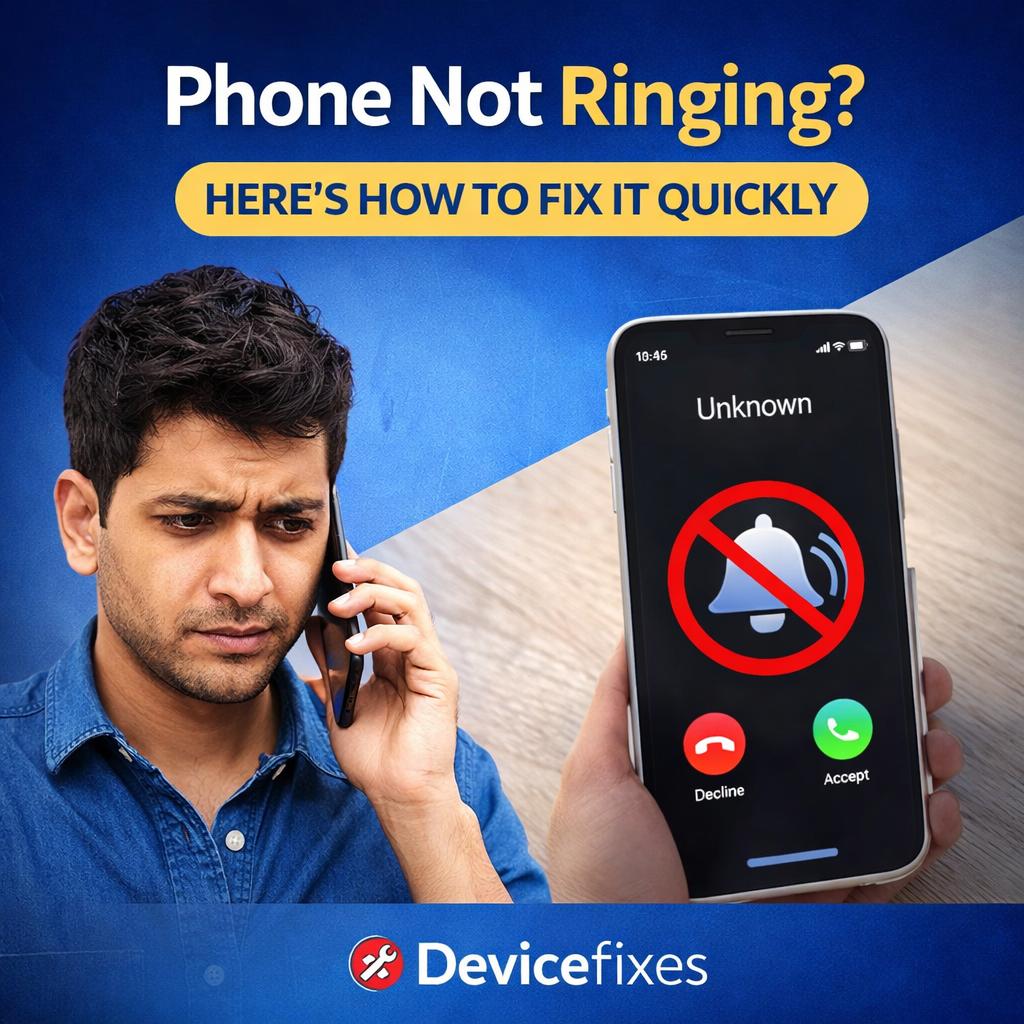
Have you ever faced the problem of your phone not ringing? Well, this can be really frustrating, especially when you miss your important calls. But this is not a matter of concern, as this issue is usually caused by minor settings issues or glitches. These issues can, fortunately, be fixed quickly, most of the time without professional help. We have prepared a list of the possible reasons causing your phone not to ring, with solutions for each.
-
Silent Mode or Low Ringer Volume
Sometimes, the problem arises due to the simplest reason, that is, your phone is in silent mode or has very low ringer volume. This issue of the phone not ringing can be easily fixed. You can simply increase the ringer volume by using the volume button, or you can go to the settings to make sure that your phone is not in silent mode. Always check that you are increasing the ringer volume and not the media volume.
-
Do Not Disturb (DND) Mode Enabled
Your phone sometimes does not ring because of Do Not Disturb (DND) mode. DND silences calls, notifications, and other alerts. It might have been turned on by you either manually or accidentally. To solve this, go t your settings and turn off the DND mode. Check exceptions because some phones allow calls only from specific numbers.
-
Bluetooth Devices Taking Over Audio
The phone not ringing issue is also caused when the phone remains connected to wireless earbuds, headphones, or a speaker. The ringtone will not be audible to you as it will be playing through that device. To fix the problem, turn off Bluetooth from the notification panel, disconnect the phone from any device, and check that the default audio output i always your phone’s speaker.
-
Ringtone Issues or Misconfigured Settings
The issue also happens when you use a corrupted or silent ringtone file. To solve this problem, change the ringtone to a default ringtone. Aways got to settings to check that the ringtone is selected. Make sure to test the ringtone.
-
Blocked Numbers or Call Forwarding
Sometimes your phone might not ring if the number calling you has been blocked by you. In other cases, you should also see whether the call forwarding option has not been turned on. You should try turning off the answer to resolve the phone not ringing issues. Other features, such as ‘call barring’, should also be turned off.
-
Poor Network and SIM issues
If your phone isn't getting calls, you might just have a weak signal or a problem with your SIM card. Try moving somewhere with stronger signal. You can also switch airplane mode on and off to reset your connection. Sometimes just removing and putting the SIM card back in helps, too. And don’t forget: restarting the phone often clears up network glitches.
A silent phone doesn’t always mean you’ve got a big problem. Usually, it’s just that the phone’s on silent, Do Not Disturb, or connected to Bluetooth headphones. Check those settings and try the tips above, most of the time, your phone will start ringing again in no time. If nothing works, it’s probably time to ask a professional. But honestly, a quick tweak usually does the trick, so you won’t have to worry about missing important calls.
For more details visit us - https://devicefixes.com/
- Managerial Effectiveness!
- Future and Predictions
- Motivatinal / Inspiring
- Fitness and Wellness
- Medical & Health
- Manufacturing
- EĞİTİM BİLGİLERİ
- Real-Estate
- Food Industry
- Hospitality
- Online Games
- Sports
- Home Services
- Civil Engineering
- Safety and Protection
- Software Products & Services
- Fashion and Jewellery
- Artificial Intelligence
- Entrepreneurship
- Mentoring & Guidance
- Marketing
- Networking
- HR & Recruiting
- Literature
- Shopping
- Career Management & Advancement