

 SkillClick
The Pfaff Owner’s Blueprint: Converting Client Logos to PCS Files
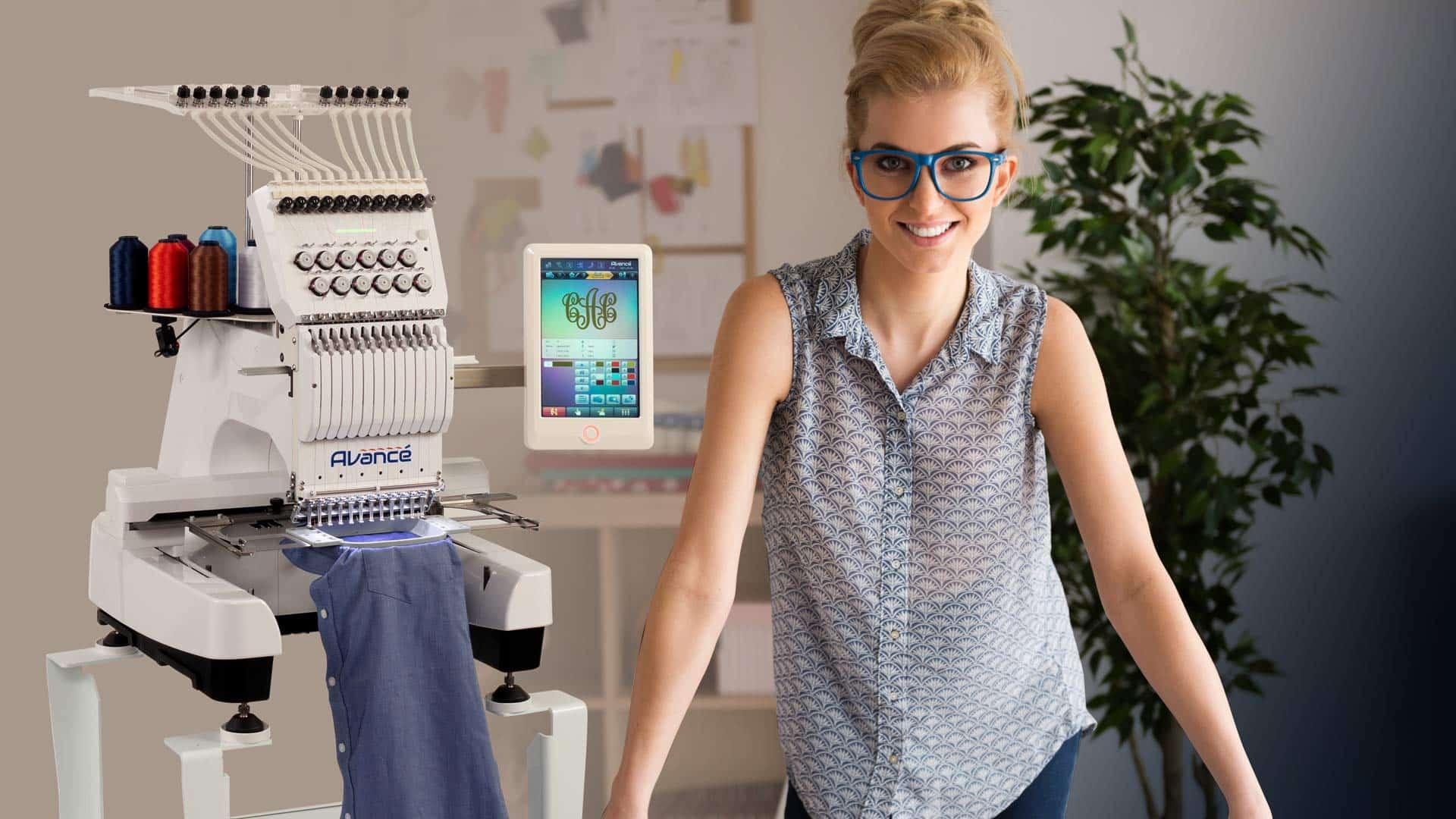
For the professional embroiderer or dedicated hobbyist running a Pfaff machine, a client handing you their logo is the start of every great project. It's a moment of trust. They have a vision for their brand on a hat, a polo, or a bag, and they're relying on your expertise to make it stitch perfectly. The pivotal technical skill that turns this trust into a tangible, flawless product is knowing how to Convert Logos for Pfaff Embroidery Machines. This process is your blueprint—a repeatable, reliable method for transforming any client's digital artwork into a production-ready PCS file that your Pfaff will execute with precision. Let's build that blueprint together, step by step.
Introduction: You Are the Translator
Your client sees their logo as a visual identity. Your Pfaff embroidery machine sees it as a series of mechanical commands. You, the Pfaff owner, are the essential translator between these two worlds. The client provides a language of pixels and colors (JPG, PNG, AI). Your Pfaff understands a language of coordinates and functions (the PCS file). Your job is to interpret the intent and beauty of the first language into the precise, logical syntax of the second. This translation isn't just technical; it's a craft. It's about preserving the client's brand integrity while applying the practical rules of thread and fabric. A solid blueprint ensures you do this consistently, efficiently, and profitably.
Phase 1: The Client Handoff & File Assessment
The blueprint begins the moment you receive the logo. This initial phase sets the entire project up for success or difficulty.
1. Request the Right Files, Every Time.
Don't just accept what's emailed. Politely ask for the highest quality source file. Your request hierarchy should be:
-
First Choice: Vector Files. Ask for .AI, .EPS, .PDF, or .SVG. These are the "original building plans" and will give you the cleanest conversion.
-
Second Choice: High-Resolution Raster. If vector isn't available, insist on a high-res PNG or JPG (minimum 1000 pixels wide, 300 DPI). A tiny logo from a website header is a red flag.
-
Crucial Questions to Ask: "What are the brand colors (Pantone, RGB)?" "What is the maximum stitch area for this project?" "Is there a simplified version of the logo if the text is very small?"
2. Conduct a "Stitchability" Audit.
Open the file and analyze it with an embroiderer's eye. Look for common conversion challenges:
-
Tiny Text: Serif fonts or text under 0.25 inches tall may need to be omitted or bolded.
-
Hairline Strokes: Lines thinner than 1mm will not stitch reliably.
-
Complex Gradients: These will need to be simplified into distinct color bands.
-
Excessive Detail: Intricate illustrations may require skillful simplification.
3. Set Realistic Expectations.
This is a key part of your professional service. Communicate clearly: "To ensure this stitches cleanly at 3 inches wide, we may need to simplify these fine lines. I'll send a digital preview for your approval before stitching." This manages expectations and showcases your expertise.
Phase 2: The Preparation & Digitizing Bench
With the approved artwork in hand, move to the technical workbench. This is where you build the instruction set.
Step 1: Clean and Prepare the Artwork.
Even with a vector file, do a quick prep in a graphic program (like the free Photopea or your software's tools).
-
Isolate the Logo: Ensure the background is transparent or pure white.
-
Simplify Colors: Reduce the palette to the essential brand colors. This makes digitizing cleaner.
-
Create a "Stitch Guide": Sometimes, making a simplified version of the logo as a separate layer helps guide your digitizing.
Step 2: Choose Your Digitizing Tool.
Your Pfaff's ecosystem offers excellent options.
-
Pfaff Creative Suite / Embroidery Software: The native choice. It's designed for seamless PCS export and has tools tailored for the workflow.
-
Wilcom Hatch Embroidery: A favorite for its professional power housed in a user-friendly interface. Its auto-tools are a great starting point, and manual controls are top-tier.
-
Professional Digitizing Service: For exceptionally complex logos or when your time is better spent on other tasks, outsourcing to a specialist is a smart, professional part of a blueprint. You act as the quality control manager.
Step 3: The Thoughtful Digitizing Process.
If you're digitizing yourself, follow this sequence:
-
Import & Size: Import the prepped logo. Set your canvas to the exact finished embroidery dimensions.
-
Trace Manually for Control: Use the software's drawing tools to create vector-like objects over each color region. Avoid total reliance on "Auto-Digitize"; use it for a rough draft, then refine.
-
Assign Stitch Types Strategically:
-
Satin Stitch: For all text and borders. Adjust density for gloss and stability.
-
Fill Stitch: For solid areas. Vary the angle for visual interest and to reduce fabric pull.
-
-
Apply Critical Engineering:
-
Underlay: Add center-walk or edge-walk underlay to every fill area. This is non-negotiable for preventing puckering.
-
Pull Compensation: Slightly overlap adjoining color sections to account for thread pull, eliminating gaps.
-
Sequence: Order the objects from background to foreground, minimizing trims and jumps for efficient sewing.
-
Phase 3: The Pfaff-Specific Protocols
This phase is about optimizing for your specific hardware.
-
Export as PCS: When saving, explicitly choose .PCS from the format dropdown. For some older Pfaff models, it may be .VIP. Know your machine's language.
-
File Transfer & Organization: Have a consistent system. Use a dedicated USB drive formatted to FAT32, or use a direct connection if your model supports it. Name files clearly (e.g.,
ClientName_Logo_3in_v2.pcs). -
Machine Preparation: Part of the blueprint is your pre-stitch routine: using the correct needle (75/11 for most), quality thread, and the right stabilizer hooped with the fabric. This physical preparation is as important as the digital file.
Phase 4: The Quality Assurance Gate – The Test Stitch
No client logo leaves your bench without passing through this gate. This is what separates amateurs from professionals.
-
Stitch a Physical Proof: Use the exact fabric and stabilizer for the final order. Run the PCS file.
-
Perform a Three-Point Inspection:
-
Visual Fidelity: Does it look like the approved logo? Are colors correct and shapes sharp?
-
Structural Integrity: Is there puckering? Are there registration gaps between colors? Does the fabric lie flat?
-
Machine Performance: Did it sew smoothly without excessive trims, jumps, or thread breaks?
-
-
Iterate if Necessary: If the test fails any point, return to your digitizing software. Adjust density, underlay, or pull compensation. Create a new PCS file and test again. This loop ensures perfection.
Phase 5: Client Delivery & Archiving
The final step in your professional blueprint.
-
Deliver the Digital Proof: Before stitching the final order, send the client a photo of the test stitch. Get their written approval. This is your final checkpoint.
-
Archive the Assets: Save everything: the original client file, your digitizing software project file (e.g., .EMB), and the final PCS file. This allows for easy reorders or slight modifications in the future. You're building an asset library.
-
Documentation: Make a note of what worked—thread brands, stabilizer used, stitch count. This logbook makes future similar jobs faster.
Conclusion: Building a Reputation, One PCS File at a Time
Your blueprint to Convert Logos for Pfaff Embroidery Machines is more than a technical checklist. It's a system that builds client trust, ensures consistent quality, and protects your business from costly mistakes. It transforms a reactive task into a streamlined, professional service.
By meticulously guiding the logo from handoff to test stitch, you demonstrate expertise at every stage. You're not just running a machine; you're providing a skilled translation service. Your Pfaff is a powerful tool, but it's your blueprint—your methodical approach to assessment, digitizing, testing, and delivery—that turns a client's logo into an embroidered reality they'll proudly wear and show off. This is how you build a reputation for quality that keeps clients coming back.
- Managerial Effectiveness!
- Future and Predictions
- Motivatinal / Inspiring
- Fitness and Wellness
- Medical & Health
- Manufacturing
- Education
- Real-Estate
- Food Industry
- Hospitality
- Online Games
- Sports
- Home Services
- Civil Engineering
- Safety and Protection
- Software Products & Services
- Fashion and Jewellery
- Artificial Intelligence
- Entrepreneurship
- Mentoring & Guidance
- Marketing
- Networking
- HR & Recruiting
- Literature
- Shopping
- Career Management & Advancement