

 SkillClick
Car GPS Trackers with Geofencing: How to Set Boundaries for Teen Drivers
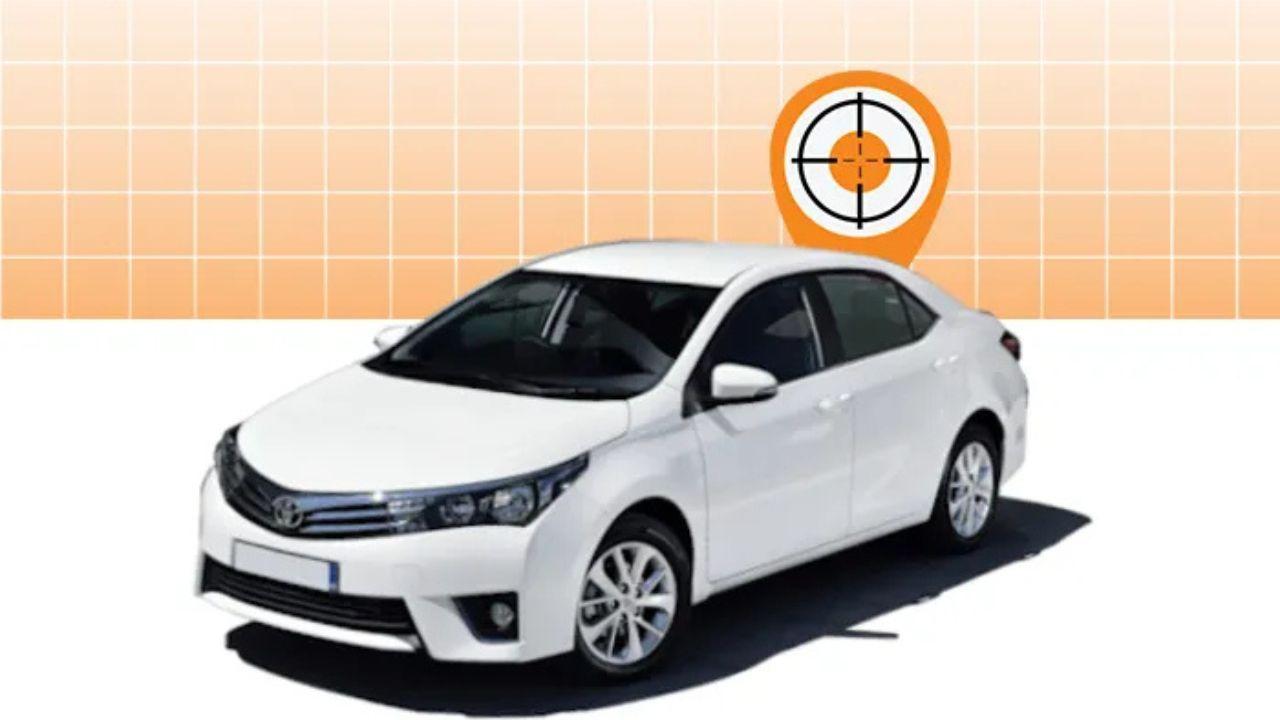
As teenagers gain the independence of driving, parents face the challenge of ensuring their safety while fostering trust and responsibility. Accidents are a leading cause of death among young drivers, with the CDC reporting that teen drivers are nearly three times more likely to be involved in fatal crashes compared to adults aged 20 and older. Monitoring driving behavior without being intrusive is essential for balancing safety and autonomy.
This is where car GPS trackers with geofencing come into play. These devices allow parents to monitor vehicle location in real time, receive alerts when teens drive outside approved areas, and encourage responsible driving habits without constant oversight.
Understanding Geofencing Technology
What is Geofencing?
Geofencing is a feature available in many modern GPS trackers that allows you to create virtual boundaries on a map. When a vehicle enters or exits these predefined areas, the system sends notifications to the parent or fleet manager. This technology is invaluable for teen drivers, allowing parents to set safe zones such as:
-
School and college campuses
-
Sports facilities or after-school activities
-
Neighborhood boundaries
-
Specific city or town limits
Benefits of Geofencing for Teen Drivers
-
Enhanced Safety: Parents are immediately notified if a teen drives outside safe zones, allowing timely intervention.
-
Behavioral Monitoring: By tracking routes and boundary adherence, parents can identify risky driving habits and address them proactively.
-
Peace of Mind: Knowing the vehicle’s location reduces anxiety and helps families stay informed.
-
Encourages Responsibility: Teens learn to follow rules when they know their driving is being monitored, fostering accountability.
How Car GPS Trackers Enhance Teen Driver Safety
Real-Time Location Tracking
A GPS Tracker for Car provides live location data, ensuring parents know exactly where their teen is at all times. This feature is particularly useful in emergencies or unfamiliar areas, allowing for quick response if needed.
Speed and Behavior Alerts
Many trackers go beyond location tracking to include monitoring of driving behavior. Alerts can be configured for:
-
Excessive speeding
-
Harsh braking or rapid acceleration
-
Prolonged idling
-
Nighttime driving
These insights help parents guide their teens toward safer driving practices.
Setting Boundaries with Geofencing
Geofencing allows parents to define specific zones on a digital map. For instance, a parent might create a zone around the school and another for home. If a teen exits these areas, the system automatically sends a notification. This creates a balance between safety oversight and personal freedom.
Customizing Alerts and Notifications
Advanced GPS trackers allow customization of alerts based on time, distance, or location. For example, parents can:
-
Receive notifications if a teen drives outside a specific radius during school hours.
-
Set alerts for late-night driving to ensure safety during higher-risk hours.
-
Monitor routes frequently taken to detect deviations or unsafe shortcuts.
Step-by-Step Guide to Setting Geofencing Boundaries
Step 1: Choose the Right GPS Tracker
Select a tracker with geofencing capabilities compatible with your vehicle. Consider features such as real-time tracking, driver behavior analysis, and mobile app support for ease of monitoring.
Step 2: Install the GPS Tracker
Install the device securely in your teen’s vehicle. Ensure it is discreet, properly connected to the power source, and has a stable signal for accurate location reporting.
Step 3: Configure Geofencing Zones
Using the tracker’s app or platform, define the virtual boundaries. Place pins around critical areas such as home, school, and sports facilities. Adjust the radius of each zone to cover safe driving limits.
Step 4: Set Alerts and Notifications
Customize notifications according to your priorities. For teen drivers, focus on:
-
Exiting or entering safe zones
-
Speeding violations
-
Unusual routes or deviations
Step 5: Monitor and Review Driving Behavior
Regularly review driving data and geofencing alerts. Discuss any concerns with your teen to encourage better habits and reinforce safe driving practices.
Expert Tips for Using GPS Trackers with Teens
-
Communicate Openly: Explain to your teen that tracking is for safety, not punishment, to build trust.
-
Gradual Autonomy: Start with stricter boundaries and gradually expand as your teen demonstrates responsible driving.
-
Combine with Education: Pair GPS monitoring with defensive driving lessons to reinforce safe driving techniques.
-
Check Device Updates: Keep software and apps updated for accurate tracking and alerts.
For further insights into GPS trackers and monitoring solutions for teen drivers, visit iTracker.
Conclusion
Using a GPS Tracker for Car with geofencing capabilities provides parents with a powerful tool to monitor teen drivers without being intrusive. By setting safe boundaries, receiving real-time alerts, and analyzing driving behavior, parents can reduce risks, encourage responsibility, and foster safer driving habits.
Investing in a GPS tracker not only ensures peace of mind but also empowers teens to develop safe driving skills in a supportive environment. With iTracker’s reliable GPS solutions, families can maintain oversight, protect their loved ones, and promote a culture of safe driving for young drivers.
- Managerial Effectiveness!
- Future and Predictions
- Motivatinal / Inspiring
- Fitness and Wellness
- Medical & Health
- Manufacturing
- Образование
- Real-Estate
- Food Industry
- Hospitality
- Online Games
- Sports
- Home Services
- Civil Engineering
- Safety and Protection
- Software Products & Services
- Fashion and Jewellery
- Artificial Intelligence
- Entrepreneurship
- Mentoring & Guidance
- Marketing
- Networking
- HR & Recruiting
- Literature
- Shopping
- Career Management & Advancement